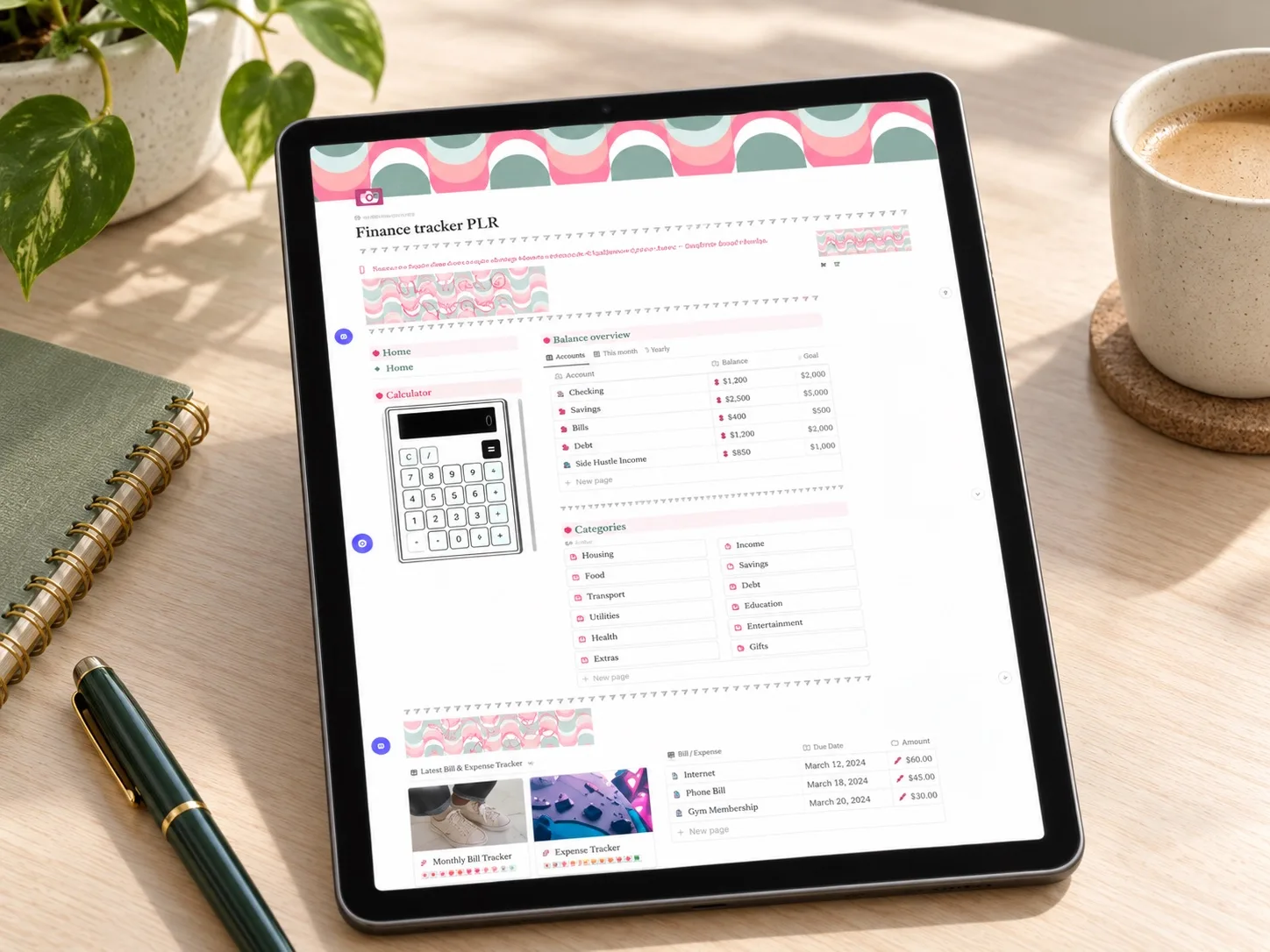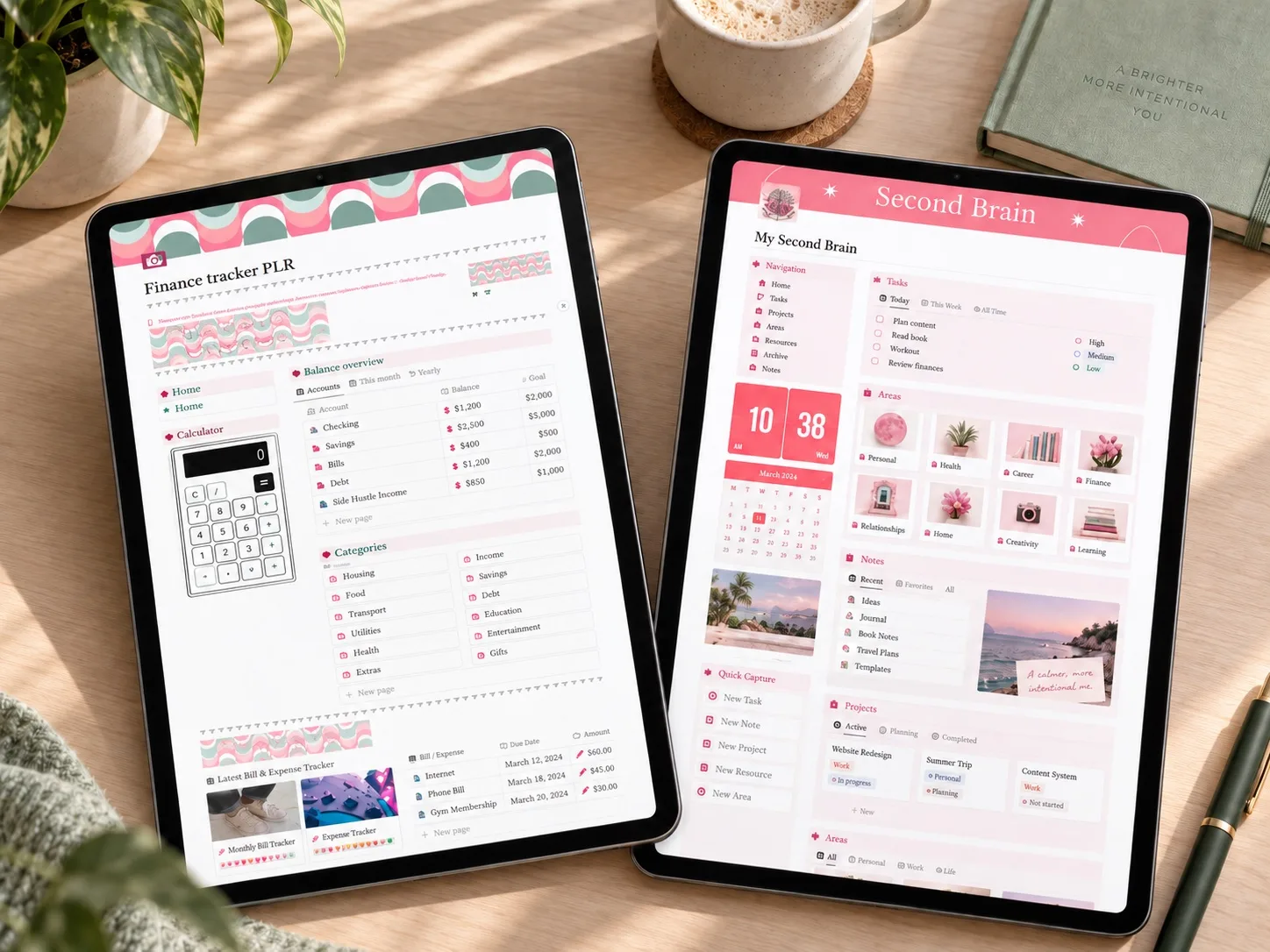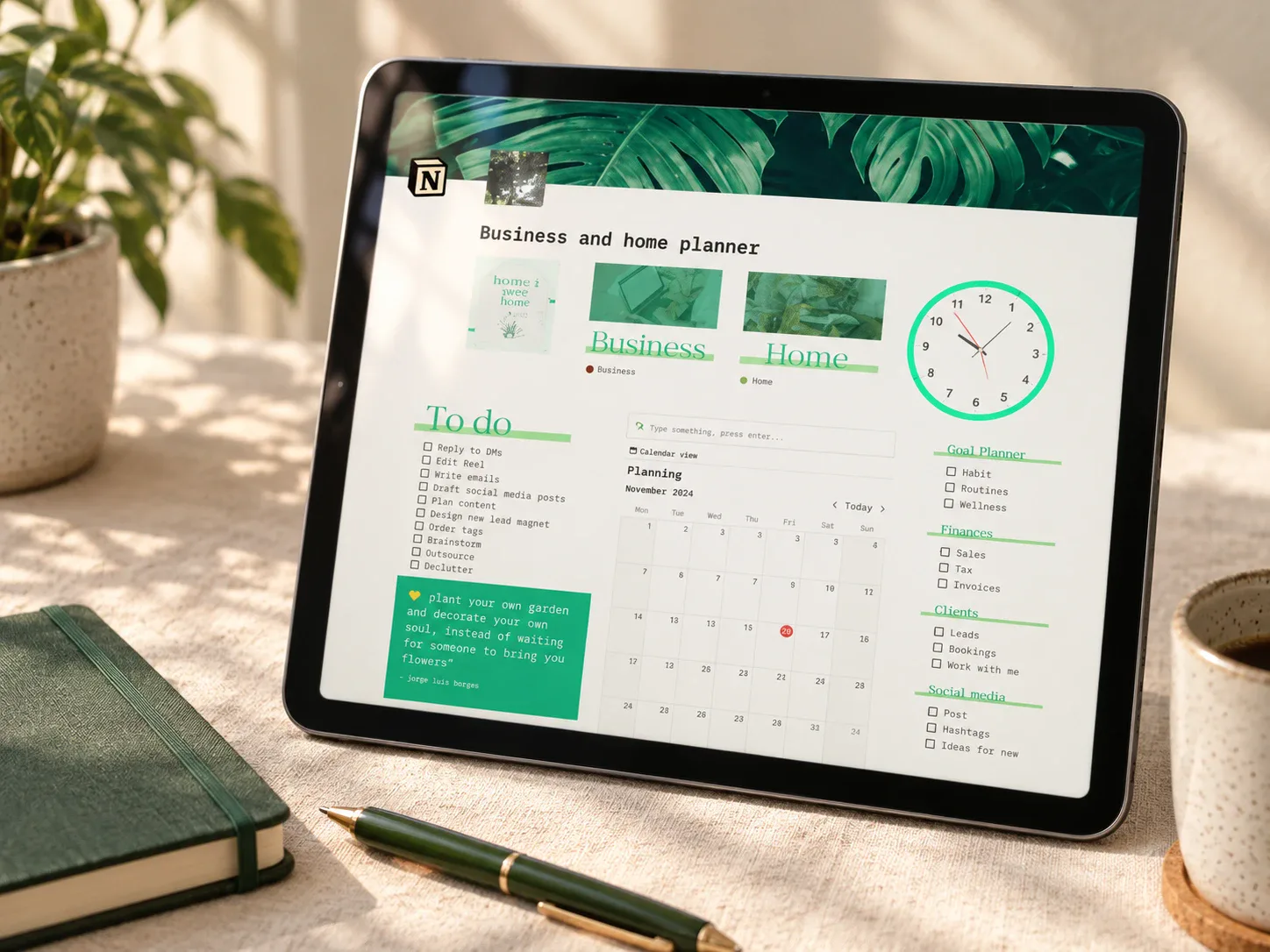
A broad option for a solo creator who wants home and business tasks together, rather than a finance-only or business-only workspace.
A Notion planner that pairs home and business
The Aesthetic Home & Business Notion Planner is a broad Notion small business planner that pairs a home planner (to-do lists, a daily tracker, a cleaning schedule) with a business side covering goals, finances, clients, and content. Instead of separating personal and business admin, it keeps both inside one workspace.
That combined scope can be useful if you run a solo business alongside a household and want one place for both, rather than switching between separate systems.
What the template includes
The product description frames this as one connected system rather than separate documents — a business calendar sits next to a to-do list, and the finance tracker sits next to the client and content sections.
How it could fit a solo creator's week
A useful rhythm would be checking one daily page that shows both home tasks and client deliverables, then reviewing the business calendar and income tracker once a week to catch anything due soon. The content and video planners can hold ideas as they come, rather than living in a separate notes app.
This template is most relevant to readers searching for a content creator planner or a combined home and business planner, rather than a finance-only dashboard or a business-only workspace.
Who it may suit
This may suit a solo creator, coach, or small-shop owner who wants home and business tasks visible together rather than in two separate tools. It is less useful if you already have a dedicated accounting system and only want a lighter add-on, or if you specifically want a finance-first dashboard.
What to verify before buying
- Confirm the delivered file contains a working Notion duplication link.
- Check whether the CRM and content planner sections fit how you actually work with clients or content.
- Review how the expenses and income tracker expects entries to be formatted.
- Confirm unused sections (like the Pomodoro timer or playlist link) can be removed without breaking other views.
- Read the exact license and commercial-use terms for this item.
Explore this template
Review the current product description, included sections, and license terms before deciding whether the template fits your routine.
View the planner details →Written by Calm Budgets