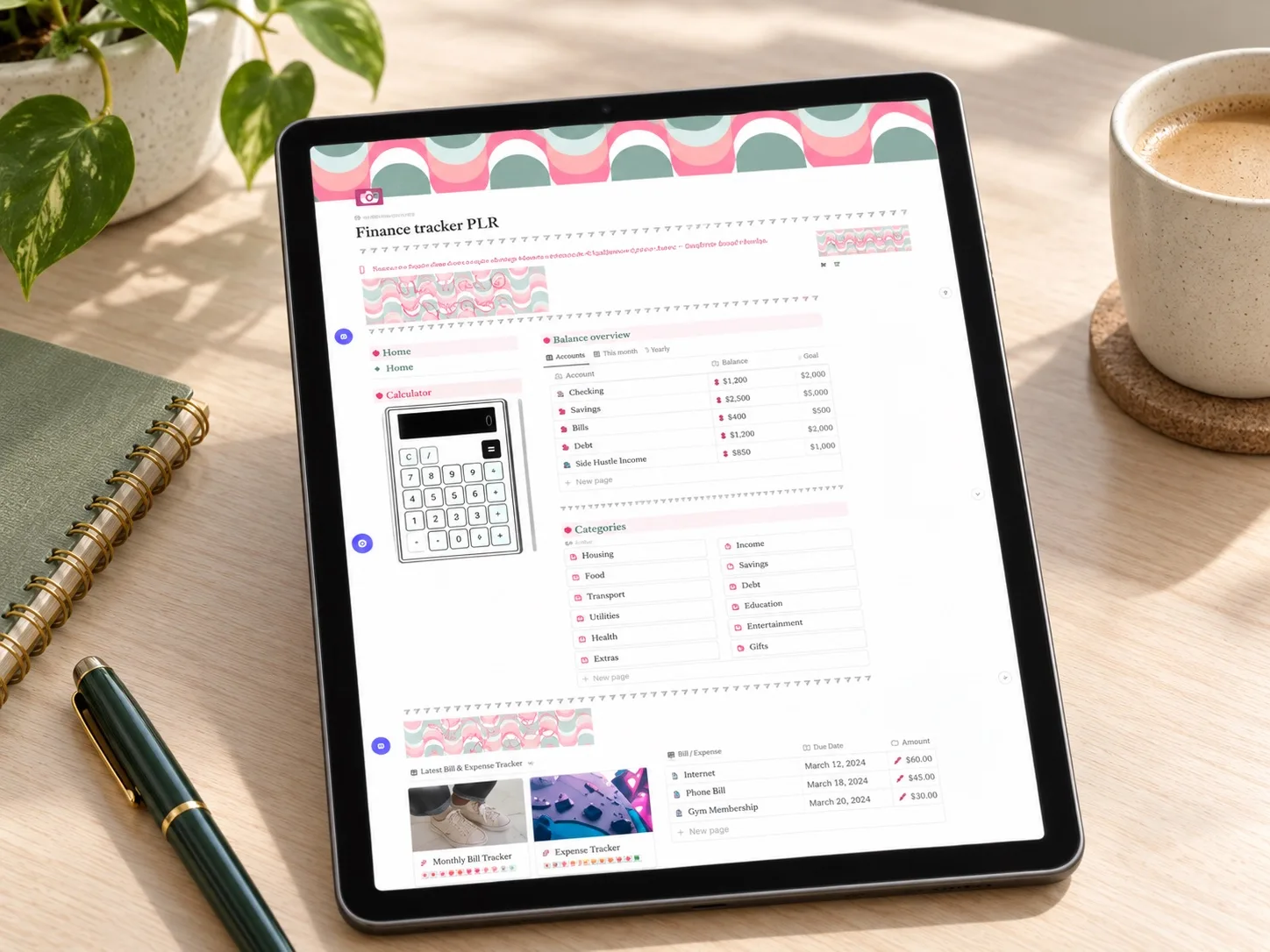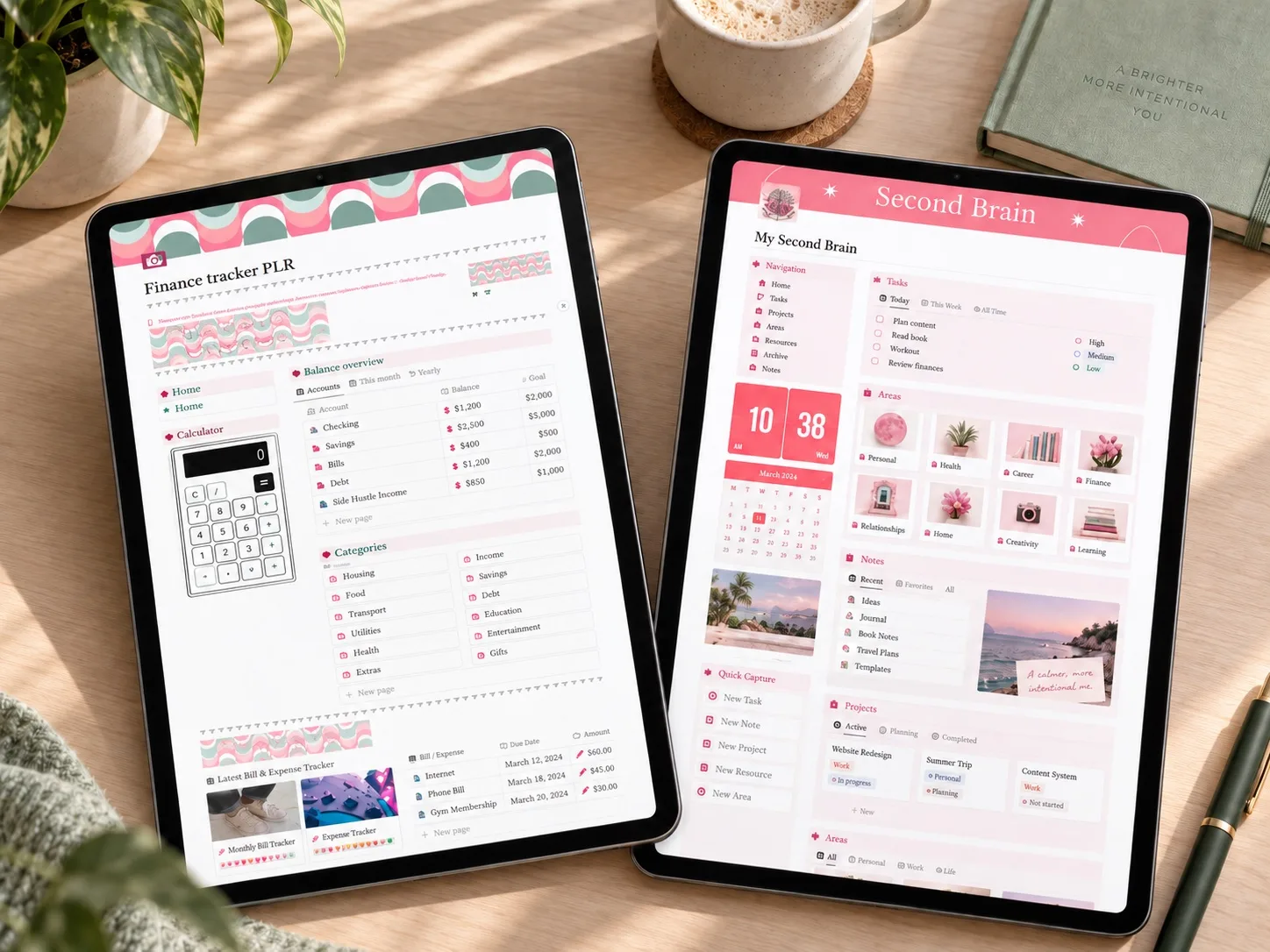
A focused option for anyone earning from two or more sources who wants one combined monthly total instead of several dashboards.
A Notion dashboard for more than one income source
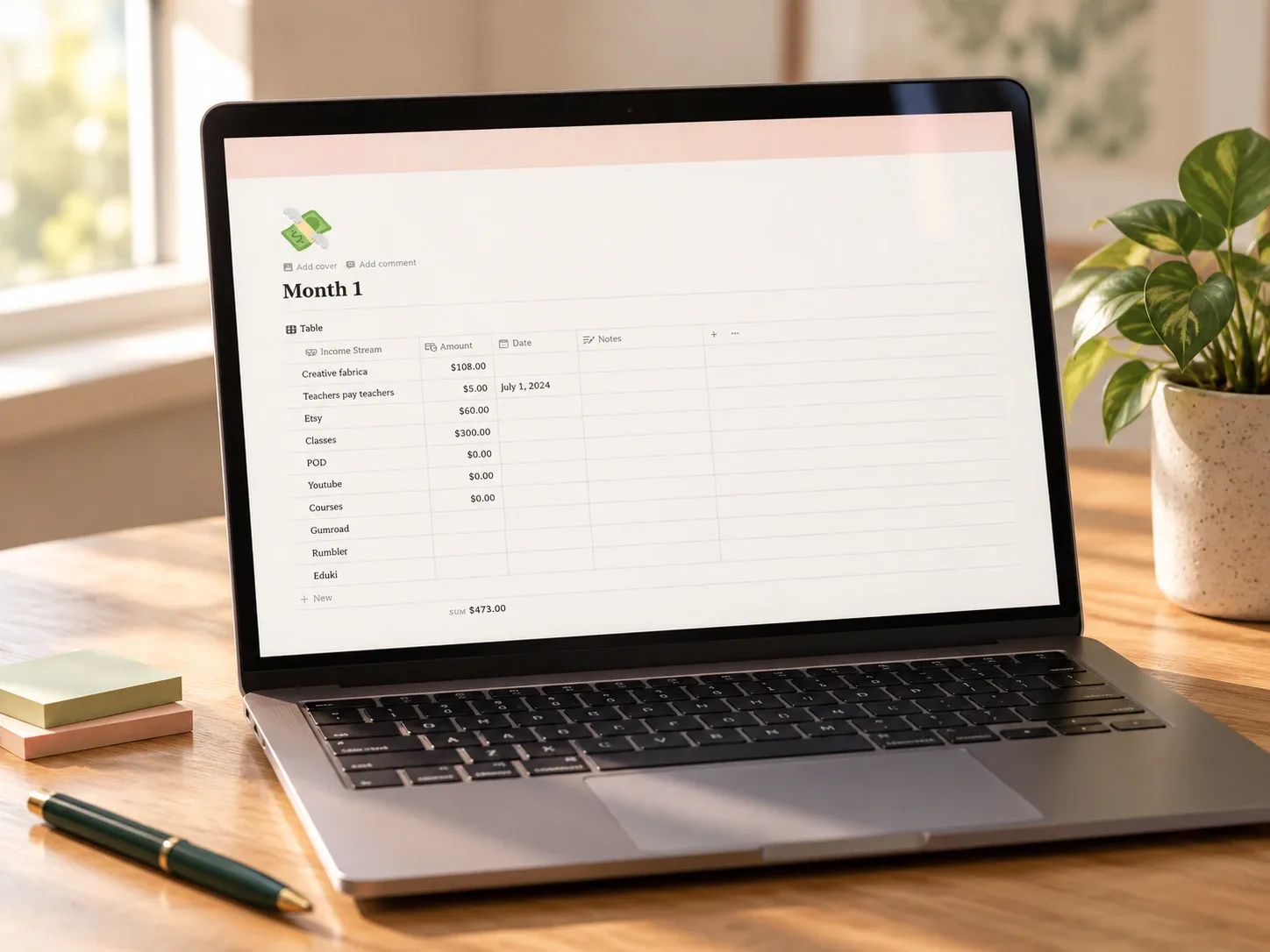
The Multiple Income Streams Tracker is a Notion budget template built around one specific question: how much came in this month, from every source combined? Instead of a general finance dashboard, it centers on a monthly income log built for freelancers, side hustlers, and anyone diversifying their earnings.
That focus makes sense if your main challenge is scattered income sources rather than detailed expense categories.
What the template includes
The product description presents a simple, editable "Stream of Income" field so categories can be adapted to whatever actually pays you: freelancing, a shop, affiliate sales, courses, or anything else.
How it could fit a monthly income review
A useful rhythm would be logging each payment as it arrives, then reviewing the monthly table once to see the combined total and compare it with the previous month. The per-stream breakdown makes it easy to notice a source that quietly stopped paying.
This template is most relevant to readers searching for a way to track multiple streams of income or organize side hustle earnings, rather than a full personal budgeting system with detailed spending categories.
Who it may suit
This may suit someone earning from two or more sources — freelance work, a shop, content platforms, affiliate programs — who wants one combined monthly total instead of checking several dashboards. It is less useful if your main need is detailed expense tracking rather than income.
What to verify before buying
- Confirm the delivered file contains a working Notion duplication link.
- Check that the monthly table structure matches how many income sources you actually have.
- Review how the automated totals and charts expect entries to be formatted.
- Confirm the "Stream of Income" categories can be renamed without breaking the totals.
- Read the exact license and commercial-use terms for this item.
Explore this template
Review the current product description, reviews, and license terms before deciding whether the template fits your income situation.
View the planner details →Written by Calm Budgets