A focused option for couples who want wedding planning and vendor payments tracked in the same connected workspace.
A Notion planner that keeps wedding money in one place
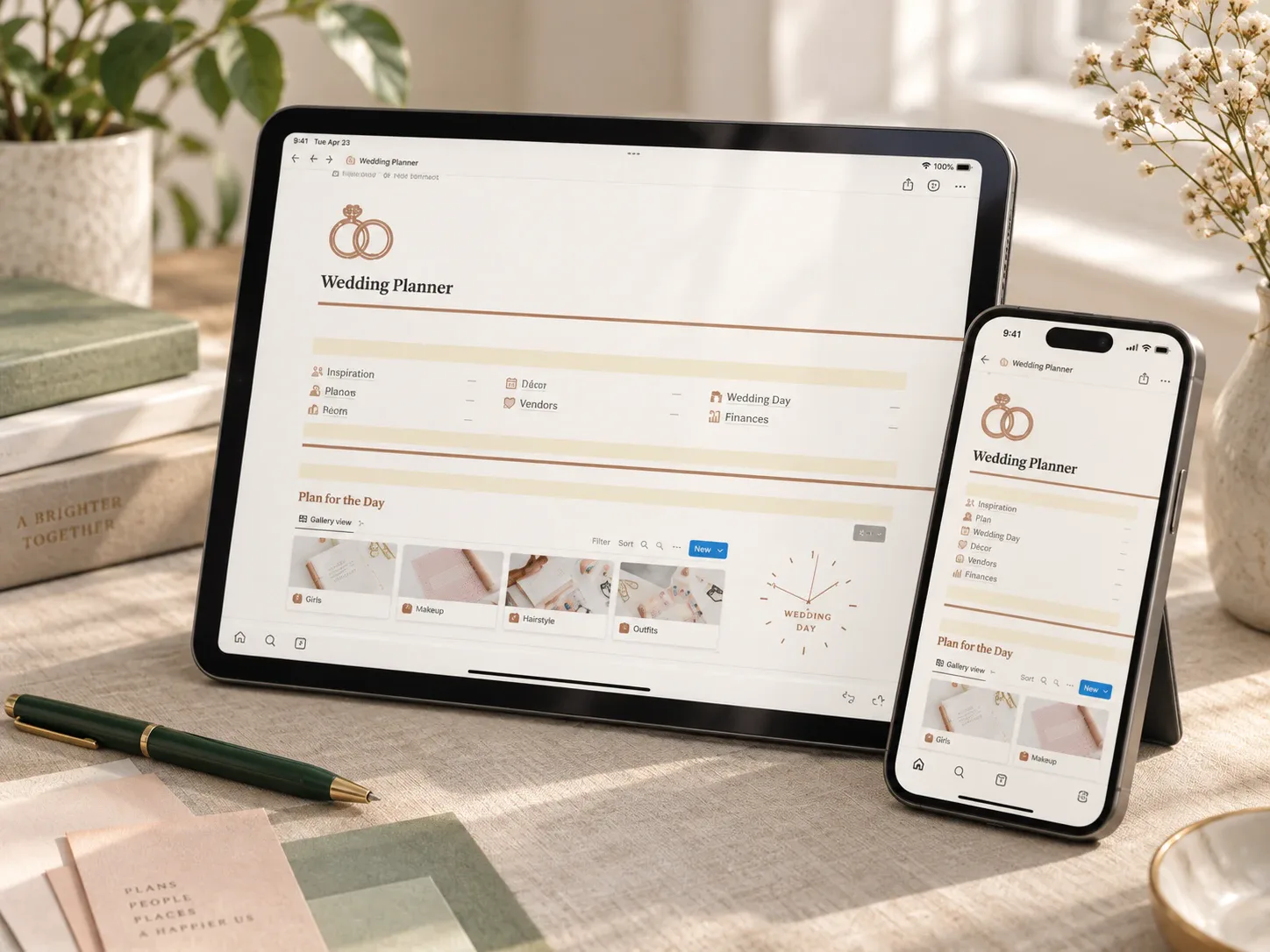
The Notion Wedding Planner Template pairs the usual wedding-planning sections — inspiration, décor, checklist, itinerary — with a dedicated finance area: a Notion Finance Template, an expense tracker, all transactions, vendors, and vendor payments. Instead of a general event planner with money as an afterthought, the budget side gets its own real structure.
That combination makes sense if the actual pain point is not remembering what needs planning, but losing track of what has already been paid to whom.
What the template includes
The product description frames the finance section as its own template inside the larger planner, not a single page — vendors and their payments are tracked separately from the general expense log.
How it could fit a wedding-planning routine
A useful rhythm would be logging each vendor payment as it happens directly into the vendor payments section, then reviewing the finance template every couple of weeks alongside the checklist and itinerary. Because planning and money sit in the same workspace, a due date on the checklist and its matching payment are easy to check together.
This template is most relevant to readers searching for a wedding budget tracker that also handles the planning side, rather than a spreadsheet used alongside a separate planning app.
Who it may suit
This may suit a couple who wants planning and vendor payments in one connected space rather than switching between a planning app and a budget spreadsheet. It is less useful if you only want a simple running total with no planning features attached.
What to verify before buying
- Confirm the delivered file contains a working Notion duplication link.
- Check how the vendor payments section expects partial payments and balances to be entered.
- Review whether the expense tracker and vendor payments stay in sync or need updating separately.
- Confirm sections you do not need (like the honeymoon travel pages) can be removed cleanly.
- Read the exact license and commercial-use terms for this item.
Explore this template
Review the current product description, included sections, and license terms before deciding whether the template fits your wedding.
View the planner details →Written by Calm Budgets