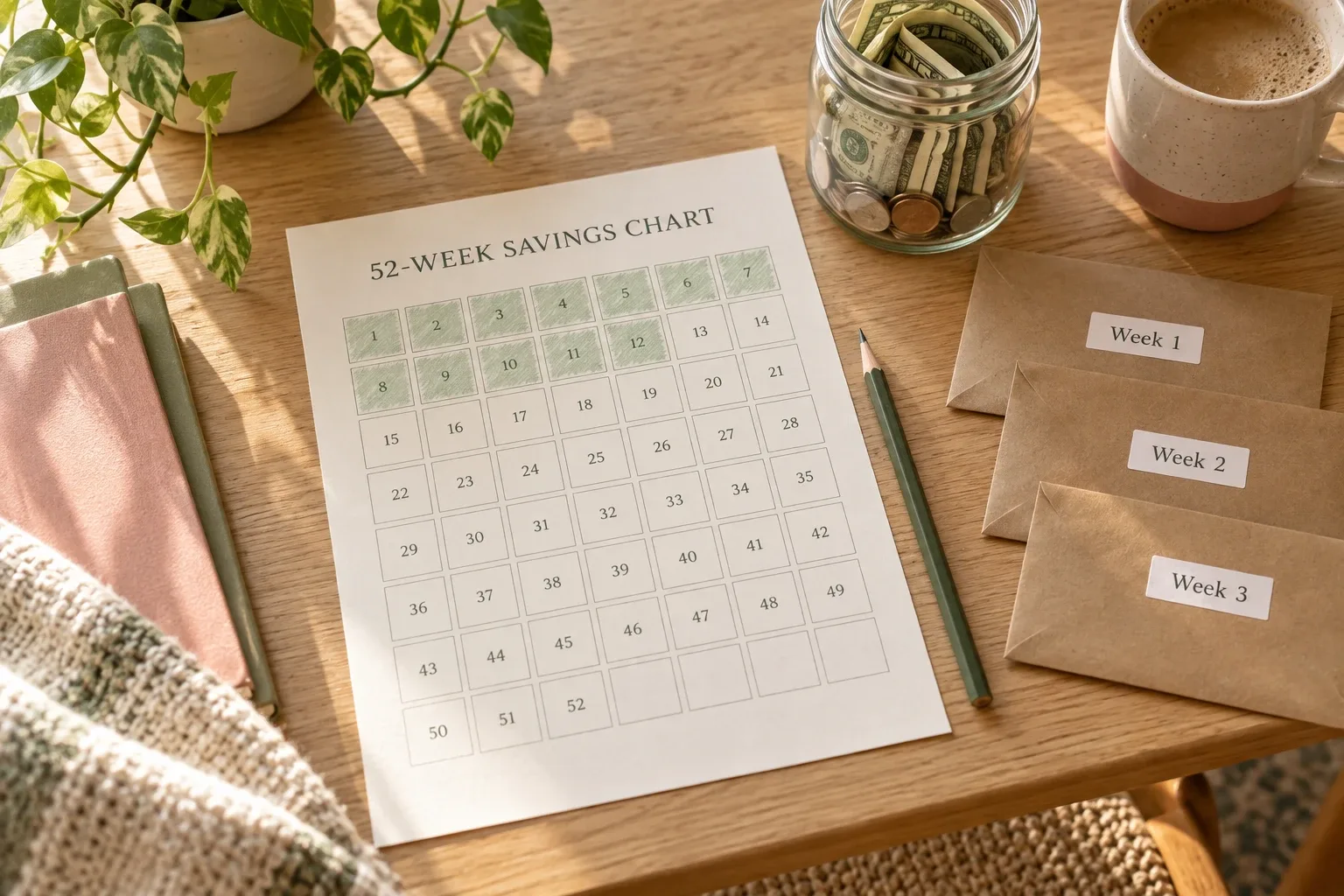
Keep the why visible, but update it with a verified statement balance, one nearby milestone, and one dated action that your budget can support.
A debt-free vision board can keep the reason for your payoff plan visible, but motivation alone cannot tell you what changed this month. The useful version combines one meaningful image with a verified balance, one monthly milestone, and the next action already supported by your budget.
This guide assumes you have already chosen a repayment plan. It does not replace your lender statements, monthly budget, or a detailed debt tracker. Its job is narrower: make slow progress visible enough that you keep reviewing the plan.
The quick answer
Build one card for each debt you are actively paying. Keep six items on the card:
- a picture or short phrase that explains why becoming debt-free matters;
- the creditor or a private nickname for the debt;
- the latest verified balance and its statement date;
- the amount paid since last month's review;
- the next milestone, not only the final zero;
- one next action with a date.
Update the numbers once a month after a statement arrives or a payment posts. Keep the board simple enough to understand in a few seconds.
A vision board, payoff plan, and tracker do different jobs
| Tool | Question it answers | What belongs there |
|---|---|---|
| Debt-free vision board | Why am I continuing, and what progress should I notice? | Meaningful image, current balance, milestone, next action |
| Debt payoff plan | What order and payment strategy will I use? | Debt list, minimum payments, method, realistic extra payment |
| Debt payoff tracker | What actually happened? | Statement dates, payments, interest or fees, principal change, remaining balance |
If you still need to choose the order and payment amount, start with the debt payoff plan. If you need a reliable transaction history, use the separate debt payoff tracker. The board sits above those records as a short monthly summary.
Choose a picture that has a specific meaning
A generic picture of cash may look motivating but tell you very little. Choose an image connected to the result the payment plan is meant to support: a calmer kitchen table, room in the monthly budget, the ability to build savings, fewer due dates, or a future purchase made without adding another balance.
Write one plain sentence below it. For example:
- “One fewer payment before we build the moving fund.”
- “More room in the monthly budget for an emergency buffer.”
- “A paid-off card that stays paid off.”
Avoid promises about a perfect future or a guaranteed payoff date. The image is a reminder of direction, not evidence that the result has already happened.
Use a verified balance, not a guess
Copy the balance from the latest statement or lender account after the payment posts, and save the statement date beside it. The Consumer Financial Protection Bureau notes that a payoff amount can differ from the current balance because it may include interest through a future date and other unpaid amounts. Use the number that matches the purpose of your review, and label it clearly.
For a monthly board, a statement balance is usually easier to compare consistently. If you request a payoff quote, keep it in the detailed tracker and note the quote date.
Do not put full account numbers, addresses, login details, or an unredacted statement on a board that other people can see. A nickname such as “Card A” or “Car loan” is enough.
Show monthly progress without pretending every payment reduces principal equally
A payment may include interest or fees as well as principal. That is why “payment sent” and “balance reduced” are not always the same number. Your lender's statement remains the source of truth.
Use these four monthly fields:
If the balance changed less than expected, check the statement before editing the plan. Do not hide the number because it is disappointing. The board becomes trustworthy when it shows ordinary months as well as dramatic ones.
Use a nearby milestone
A final target can be too distant to feel connected to one month. Add the next meaningful checkpoint: the next $500 reduction, the balance moving below a round number, one account reaching zero, or three consecutive months of planned payments.
Choose milestones that describe progress you can verify. Do not use “be more disciplined” or “try harder.” Those judgments do not tell you what happened or what to do next.
A realistic monthly example
One debt-free goal card
The next action is not chosen by the vision board. It comes from the budget. If the planned extra payment would interfere with housing, food, utilities, transportation, minimum payments, or a necessary buffer, revise the amount before scheduling it.
Use a short monthly review
- Open the latest statement and confirm that recent payments posted.
- Record the new balance and statement date in the detailed tracker.
- Update only the summary numbers on the vision board.
- Mark any milestone actually reached.
- Check next month's budget before choosing the next extra payment.
- Write one dated action, then close the board.
This routine can fit inside your existing 20-minute monthly budget review. There is no need to create a second long ritual.
How to build the board in Notion
Create a gallery database with one card per active debt. Use a cover image for the reason behind the goal and keep the numerical properties short. A useful starting set is:
- debt nickname;
- statement date;
- previous balance;
- current balance;
- change this month;
- next milestone;
- next action and action date.
Put detailed payment history in a separate database or your existing tracker. The gallery should stay visual. If every card becomes a miniature statement, the board will lose the simple view that makes it useful.
A Notion template you can adapt
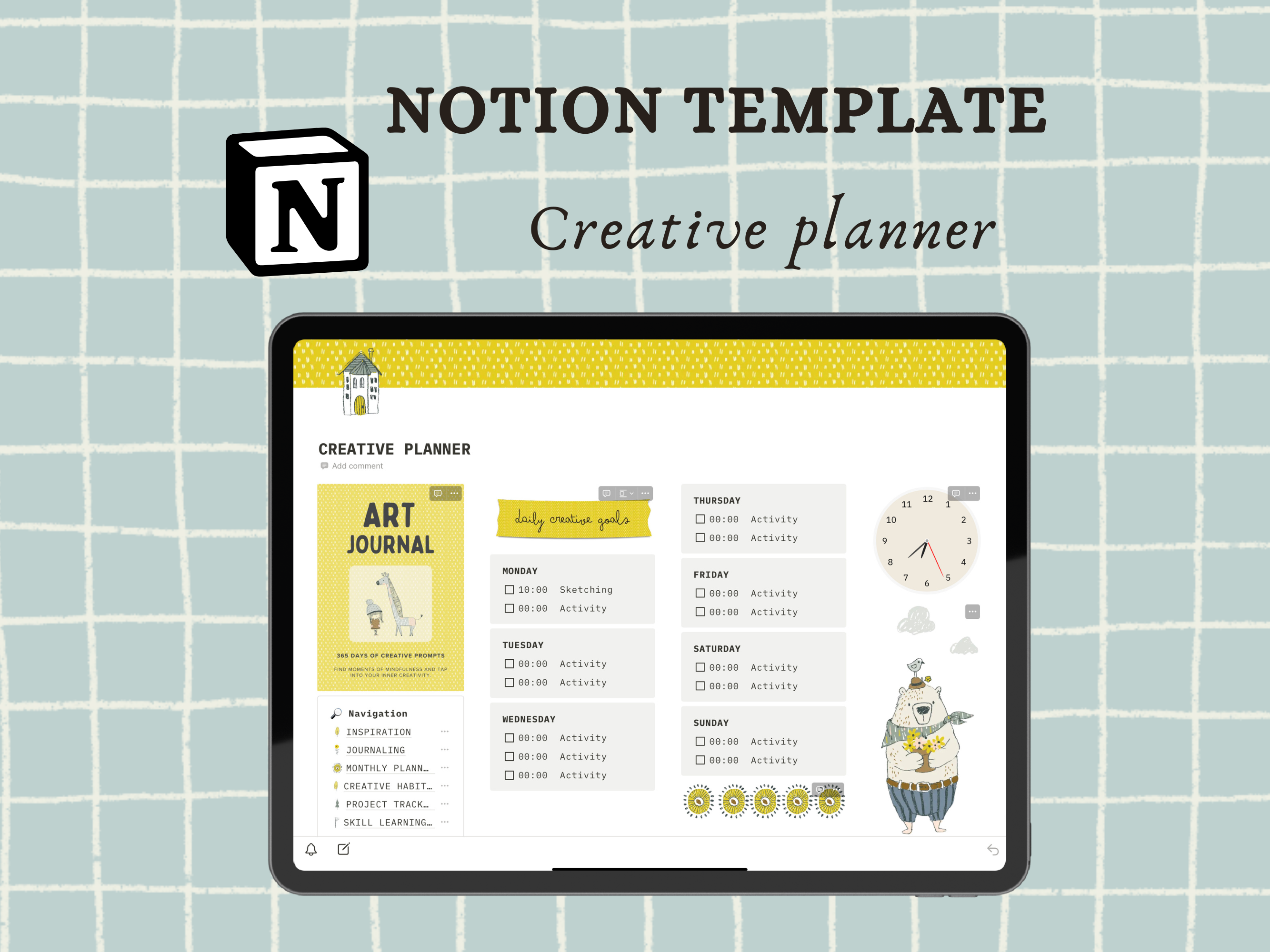
The Notion Creative Planner by Petit Creation Lab is a beginner-oriented Notion workspace. Its public Creative Fabrica listing names sections for inspiration, journaling, a monthly planner, daily creative goals, a creative habit tracker, a project tracker, and a skill-learning tracker. It is delivered through a PDF with the Notion template link and includes an instructional tour video.
Those sections can support the visual and monthly-review side of this method: use the inspiration gallery for the reason behind the goal and adapt a project card for monthly checkpoints. The listing does not claim a finance tracker, debt database, balance formulas, snowball or avalanche views, or automatic financial progress. You would need to add the debt fields yourself. The product was not purchased or duplicated for this article, so its internal behavior was not independently tested.
Explore the Notion Creative Planner
Consider it if you want a visual, beginner-friendly Notion starting point and are comfortable adding your own private debt fields. Skip it if you need a ready-made debt payoff calculator or verified finance database.
View the planner details →Common mistakes
Using only the final zero
A distant finish line can make an ordinary month look irrelevant. Add a nearby milestone and the actual monthly change.
Updating from memory
A guessed balance makes the board less trustworthy. Wait for a posted payment or statement, then record the date.
Making the board public
Share the method if you want, but keep account details and unredacted statements private.
Letting the picture choose the payment
Motivation does not create extra cash. Check the budget first, then schedule an amount the month can support.
Template options to compare
The creative and vision planners support the visual planning side; the finance tracker supports money records. None is presented here as an automated debt payoff calculator.
 Notion creative planner
Notion Creative Planner
Inspiration, journaling, monthly planning, creative goals, habits and projects in Notion. It does not provide a verified debt payoff calculator or finance database.
View the product and included files →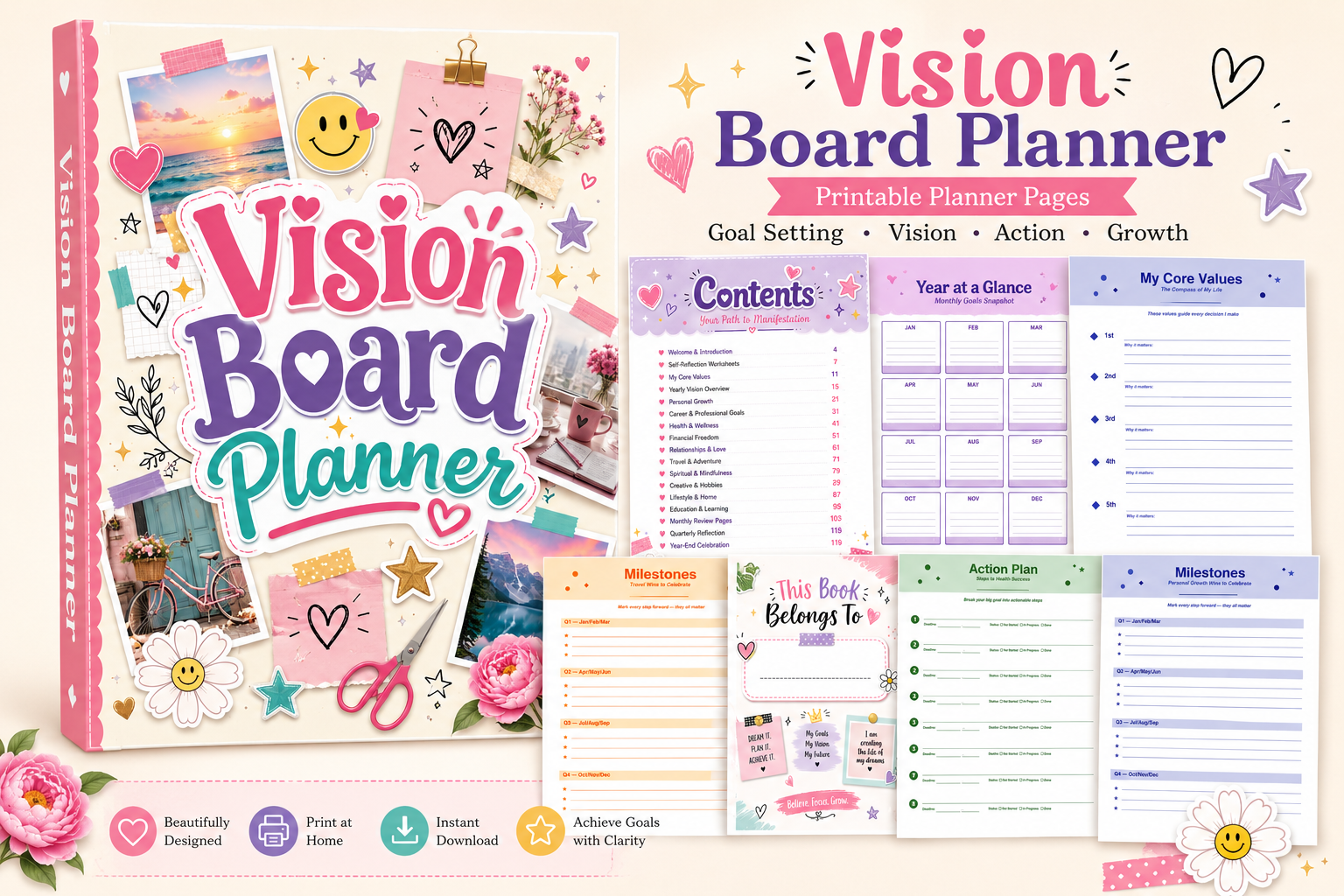 PDF + Canva
Vision Board Planner
A printable and editable planning system that pairs vision-board spaces with financial goals, SMART-goal breakdowns, action plans, deadlines, and milestone tracking.
View the product and included files →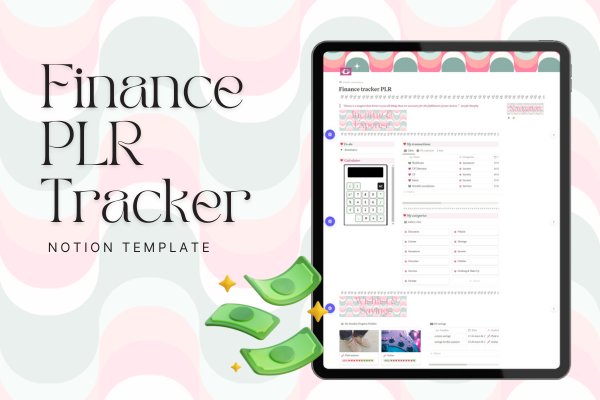 Notion template
PLR Finance Tracker
A focused Notion tracker for income, expenses, editable categories and savings goals. Choose it when you want to maintain money records without a whole-life workspace.
View the product and included files →Frequently asked questions
Does a debt-free vision board pay off debt faster?
No. It can make the goal and recent progress easier to see, but payments, interest, fees, income, expenses, and the repayment plan determine the financial result.
How often should I update it?
Once a month is enough for most boards. Update after a statement is available or a payment has posted so the numbers are comparable.
Should I include every debt?
You can, but a crowded board may be hard to use. Start with the debts in your active payoff plan and keep the complete list in the detailed tracker.
Can I use Notion without a special template?
Yes. A simple gallery database can hold the image, balance, milestone, and next action. A template is optional.
Sources
- Consumer Financial Protection Bureau: Payoff amount versus current balance
- Consumer Financial Protection Bureau: Debt collection consumer resources
- Federal Trade Commission: How to get out of debt
- Creative Fabrica: Notion Creative Planner
This article is educational and does not provide individualized financial advice.
Written by Calm Budgets