
Decluttering your finances is not the same as fixing them. It clears away what makes the real picture hard to see.
Decluttering a home usually starts with a closet or a junk drawer. Financial clutter builds the same way, just less visibly: forgotten subscriptions, three half-used budgeting apps, a savings goal you set two years ago and never looked at again.
This guide treats your finances like a room worth tidying — not by earning more or spending less, but by removing what no longer serves a purpose before organizing what is left.
What financial clutter actually looks like
It rarely looks like debt or overspending. More often it is a subscription you forgot existed, a second banking app you tried once and abandoned, a spreadsheet with three months of gaps, or a savings goal for something you no longer want.
None of these are emergencies on their own. Together, they make it harder to answer a simple question — what does my money situation actually look like right now — the same way a cluttered room makes it harder to find anything specific.
Decluttering your finances is not the same as fixing them. It is clearing away what makes the real picture hard to see, so any actual changes become easier to decide on.
A one-time audit before you organize anything
Before choosing a new system, list what already exists: every subscription charging you, every app or spreadsheet you have tried, every savings goal you have set. This is not a spending review — it is an inventory of the financial "stuff" you have accumulated.
Most people find at least one subscription they forgot about and one tool they stopped using months ago. Both are worth removing before adding anything new.
Cut before you organize
- Cancel subscriptions you cannot name a recent use for. If you cannot remember the last time you used it, that answers the question.
- Pick one tracking system and drop the rest. Three half-used trackers give you three incomplete pictures instead of one clear one.
- Retire goals that no longer fit. A savings goal from a different season of life can be closed out or renamed rather than quietly ignored.
This step alone often does more than any new system — it just removes weight rather than adding structure.
A simple maintenance routine
- Monthly subscription scan. Look at your statement once a month specifically for recurring charges.
- Quarterly tool check. Confirm you are still using whatever tracking system you chose, and only that one.
- Yearly goal review. Close out or update savings goals that no longer reflect what you actually want.
Clutter returns gradually, not all at once — a light recurring check catches it before it builds back up.
A realistic example
Imagine an audit turning up two abandoned budgeting apps, a $12 subscription unused for eight months, and a "new laptop" savings goal from three years ago for a laptop already replaced. Cancelling the subscription alone recovers $144 a year, and closing the outdated goal frees up a category that had been quietly sitting there unused. This is an illustrative example, not a reported personal result.
What usually undoes a financial declutter
- Adding a new system before removing the old ones. That just creates a fourth half-used tracker instead of one clear one.
- Treating the audit as a one-time fix. Without the recurring check, clutter rebuilds within a few months.
- Keeping a subscription "just in case." Most can be re-subscribed to later if actually needed again.
One place to land, once you have cleared the rest
After cutting what is unused, a single simple tracker is usually enough — the point of the audit was to make room for one clear system, not a more complicated one.
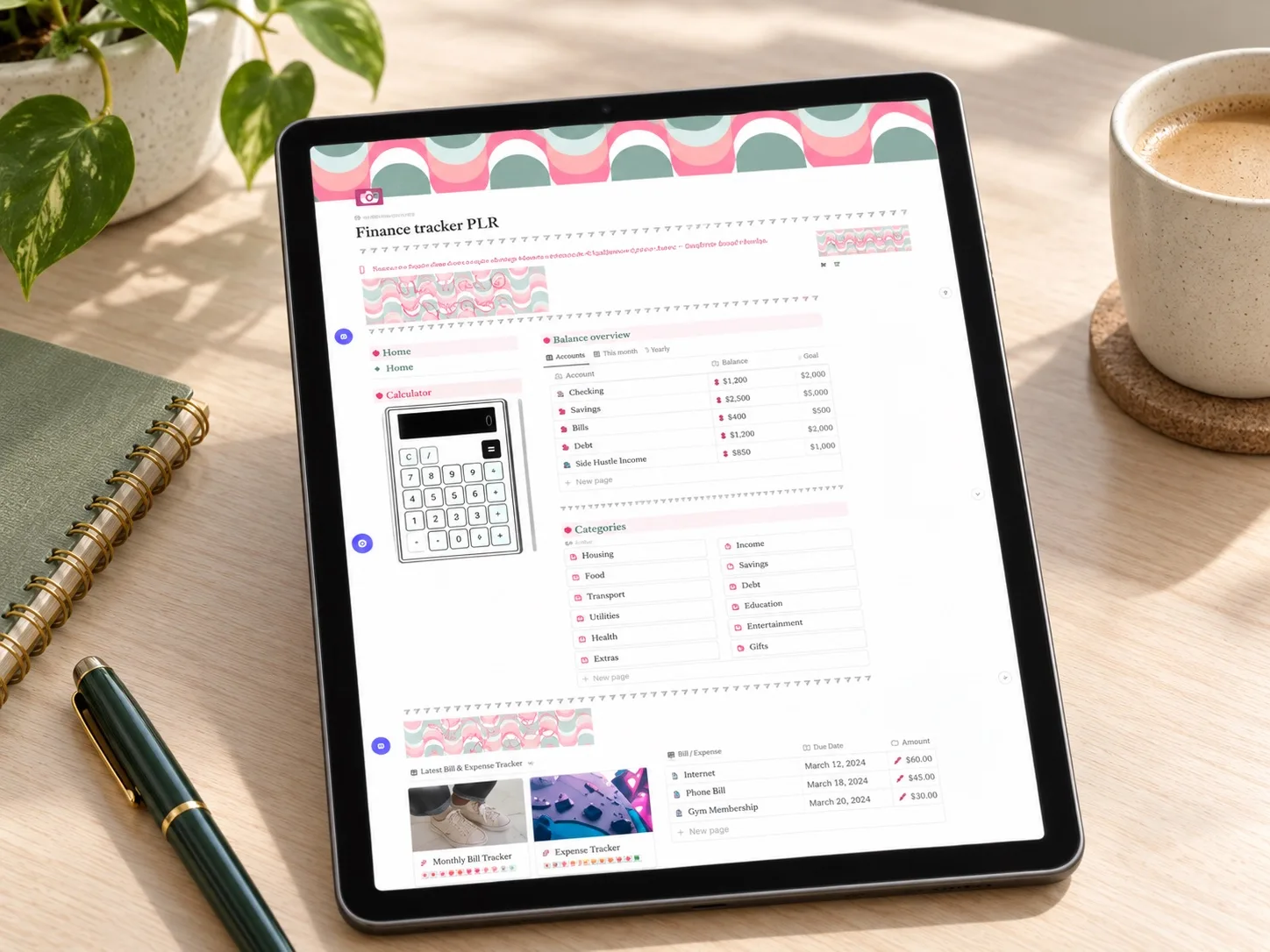 One clear system
PLR Finance Tracker
Income, expenses, customizable categories, a savings tracker, and a wishlist in one focused dashboard — built to be the single system left standing after a declutter, not one more app to abandon.
Read the planner guide →Questions people ask before starting
Do I need to cancel everything at once?
No. Start with anything you cannot name a recent use for, and revisit the rest during your next monthly scan.
What if I am not sure which tracker to keep?
Keep the one that already has the most accurate recent data, even if it is not the most polished-looking option.
Is this the same as budgeting?
No. This is clearing space before budgeting, not a budgeting method on its own.
Start with your last statement
Open your most recent bank or card statement and circle every recurring charge you see. That single list is the beginning of the audit — everything else is deciding what to keep.
Written by Calm Budgets