
Autopay makes sure a bill gets paid. A bill tracker makes sure you still know what you are paying for.
A late fee is rarely the result of not having money. Far more often, a bill was simply forgotten: it moved to a new date, it only arrives quarterly, or it came as an email that slipped under twenty others.
A bill tracker solves that one problem well. It shows every recurring bill, when it is due, and whether it has been paid — in one place you check regularly.
Why bills slip through
Bills arrive through different channels: paper mail, email, app notifications, automatic withdrawals. Some are monthly, some quarterly, some once a year. Your memory is expected to hold all of it, and eventually one gets through.
Automatic payments help, but they create a different risk: an account runs low on the wrong day, or a price quietly increases and nobody notices.
Autopay makes sure a bill gets paid. A bill tracker makes sure you still know what you are paying for.
Build the list once
Go through the last three months of bank and card statements and write down every recurring bill. For each one, record five things:
- Name of the bill or provider.
- Usual amount — or a range if it varies.
- Due date or the day it is charged.
- How it is paid — autopay, manual, which account or card.
- How often — monthly, quarterly, yearly.
Then check one year of statements for annual bills. Insurance, memberships, and renewals are the ones most likely to be missing.
Put due dates on a calendar
A list tells you what you owe. A calendar tells you when. Seeing bills by date shows which weeks are heavy, which paycheck needs to cover what, and when an annual renewal is coming a few weeks in advance.
Mark each bill paid
A simple "paid" checkbox each month is what turns a list into a tracker. At a glance you can see what is done, what is scheduled, and what still needs attention.
A weekly two-minute routine
- Look at the next seven days of due dates.
- Confirm the right account has enough for anything on autopay.
- Tick off anything already paid and note any amount that changed.
A quick monthly review
Once a month, compare each bill's amount with last month. Price increases often arrive without a clear notice. This is also a natural moment to ask whether a service is still worth keeping.
A realistic example
Imagine a tracker with eleven monthly bills and three annual ones. During the monthly review, the internet bill shows a $12 increase that arrived with no obvious notice, and the calendar shows a $180 annual insurance renewal due in three weeks. Both are handled calmly instead of discovered late. This is an illustrative example, not a reported personal result.
What usually undoes a bill tracker
- Leaving out annual bills. They cause the biggest surprises.
- Trusting autopay completely. Check amounts and account balances anyway.
- Updating only when something goes wrong. A short weekly look prevents most problems.
- Tracking bills in three different places. One list is the whole point.
A tracker with a bill calendar
A printable list works well. If you would rather keep bills next to the rest of your money picture, one Notion option covers the pieces this system needs:
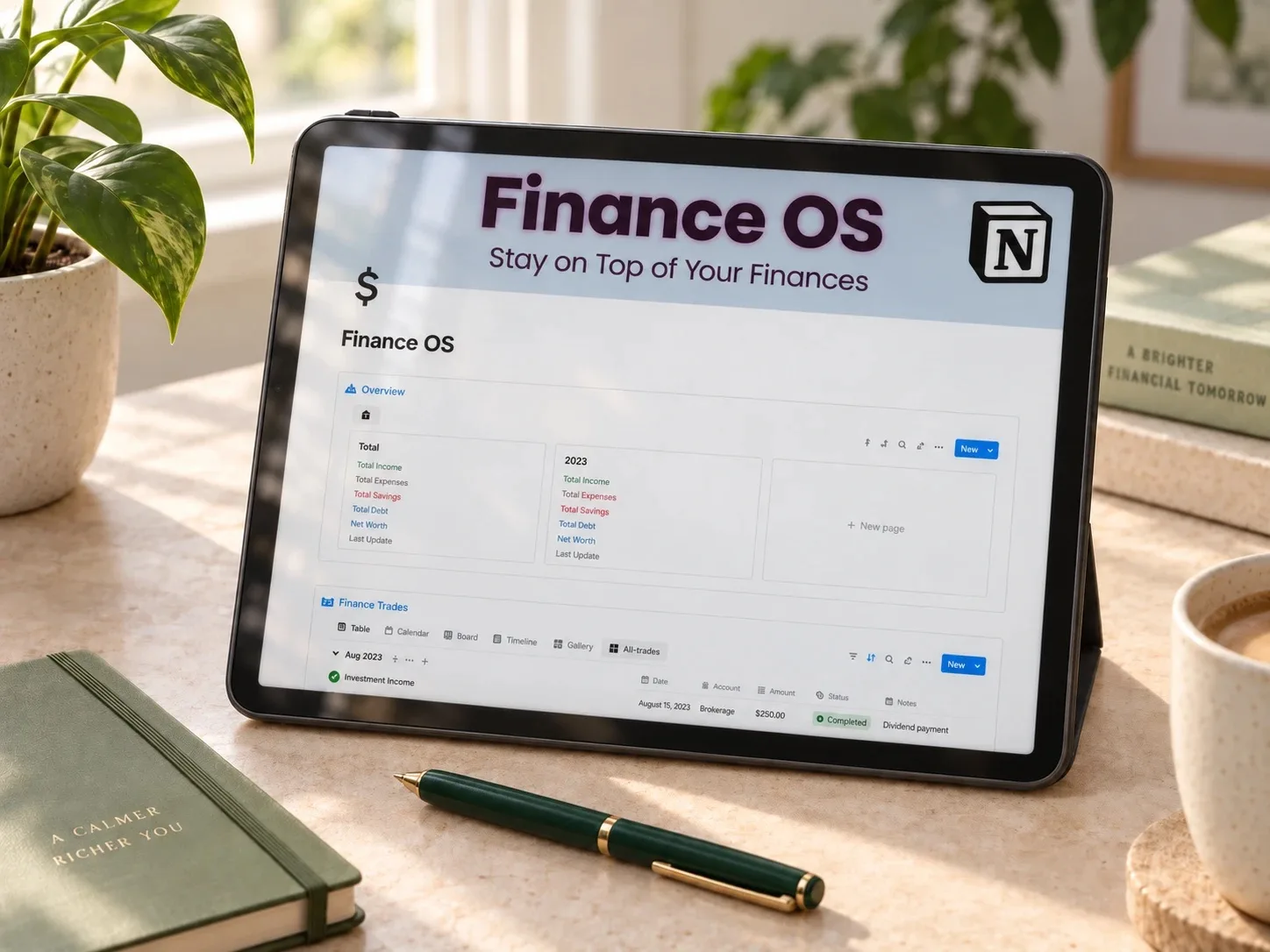 Bills and renewals
Finance OS Tracker
A Notion dashboard with calendar-based bill tracking, subscription renewal dates, and account balances — a digital version of a monthly bill tracker.
Read the planner guide →Questions people ask before starting
Printable or digital?
Whichever you will actually look at every week. Printable works well on a fridge; digital works better if you already use your phone for money.
Should everything be on autopay?
Autopay is helpful for fixed bills, but keep watching amounts and the account balance on the withdrawal date.
How do I handle bills that change every month?
Record a typical range and update the actual amount when it arrives.
Start with last month's statement
Open last month's bank statement and write down every bill you see, with its date. That single list is the beginning of your tracker.
Written by Calm Budgets