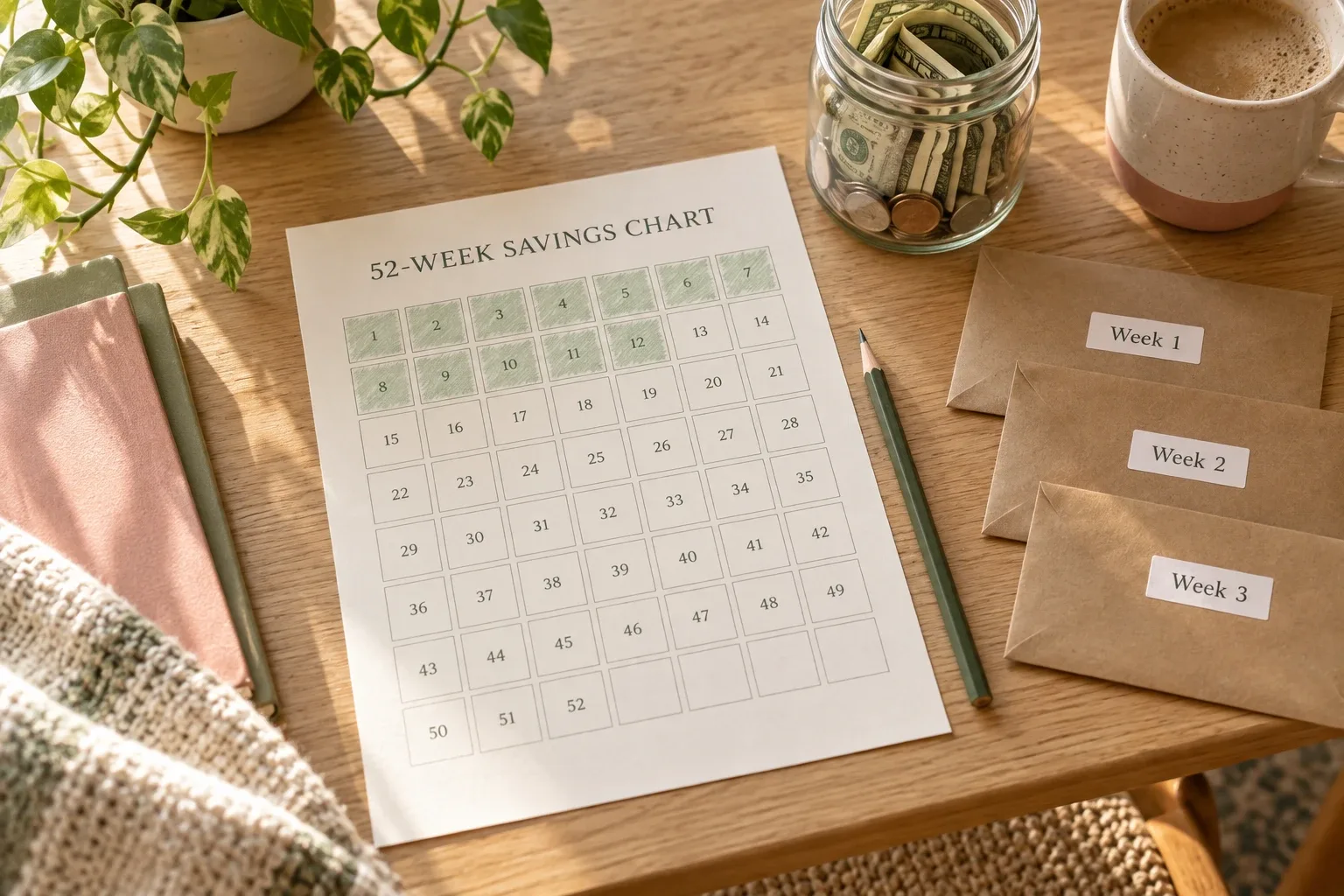
Income, fixed bills, flexible limits, savings, debt, a bill calendar and a month-end review: planned and actual side by side.
A monthly budget planner is only useful if you open it again on the 15th. The trick is not more pages, it's the right seven, filled in once at the start of the month and checked in a few minutes each week.
The 7 parts of a monthly budget planner
How to fill it in at the start of the month
- Start with income. Write only money you're sure of. Bonuses and side income go in when they arrive.
- List fixed bills with due dates. Copy last month's statement; it catches the ones you forget.
- Pay yourself next. Decide the savings amount before flexible spending, not after.
- Set flexible limits. Use last month's real numbers, then trim one category, not all of them.
- Check the total. Income minus bills, savings and flexible limits should be zero or a small buffer, not negative.
A budget is a plan; tracking is what happened. The planner needs both columns: "planned" and "actual". The gap between them is where next month's budget gets better.
A simple example month
| Section | Planned | Actual |
|---|---|---|
| Income (2 paychecks) | $3,400 | $3,400 |
| Fixed bills | $1,650 | $1,650 |
| Savings | $400 | $400 |
| Debt (minimum + extra) | $300 | $300 |
| Groceries | $450 | $512 |
| Gas & transport | $180 | $165 |
| Eating out & fun | $270 | $310 |
| Buffer | $150 | $63 left |
The buffer absorbed the grocery and eating-out overspend, so nothing came out of savings. Next month's one change: groceries planned at $490 and eating out capped at $250.
The 10-minute weekly check
A planner filled in on the 1st and forgotten by the 5th doesn't help. Once a week:
- Log this week's spending in the flexible categories.
- Look at bills due in the next seven days.
- Move money between categories if one is running out, and write down why.
The full routine is in the 15-minute weekly money check-in.
Paper, spreadsheet or Notion?
| Format | Good at | Watch out for |
|---|---|---|
| Printable planner | Easy to start, satisfying to fill in | No automatic totals; a new sheet every month |
| Spreadsheet | Formulas, flexible | Easy to overbuild; awkward on a phone |
| Notion template | Totals, calendar views and goals in one place; works on phone | Choose a small one you'll maintain |
Notion templates that cover a monthly budget
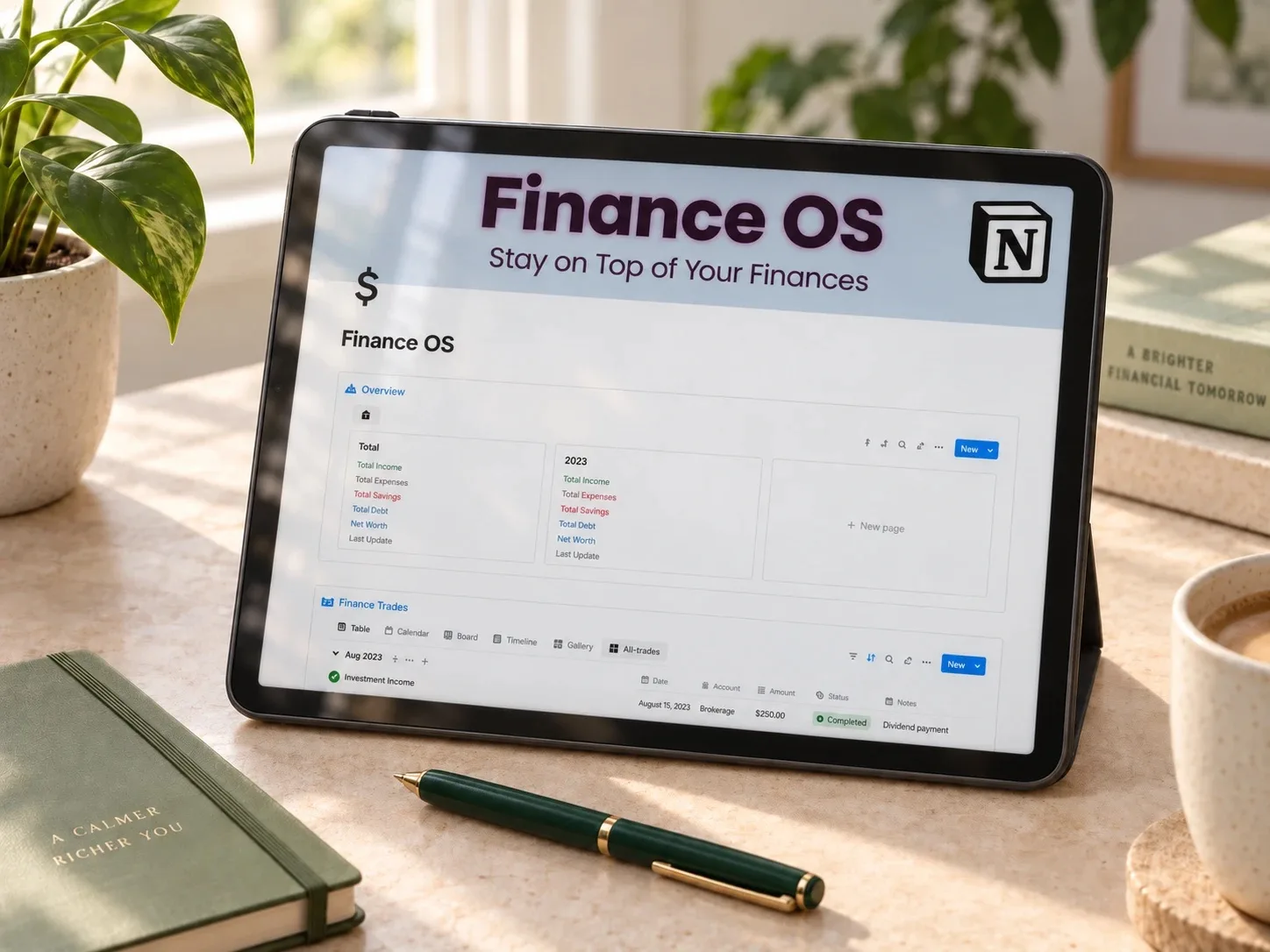 Bills calendar included
Finance OS Tracker
Income and expense logging, a subscription tracker with renewal dates, account balances, goals and calendar integration for due dates.
Read the template guide →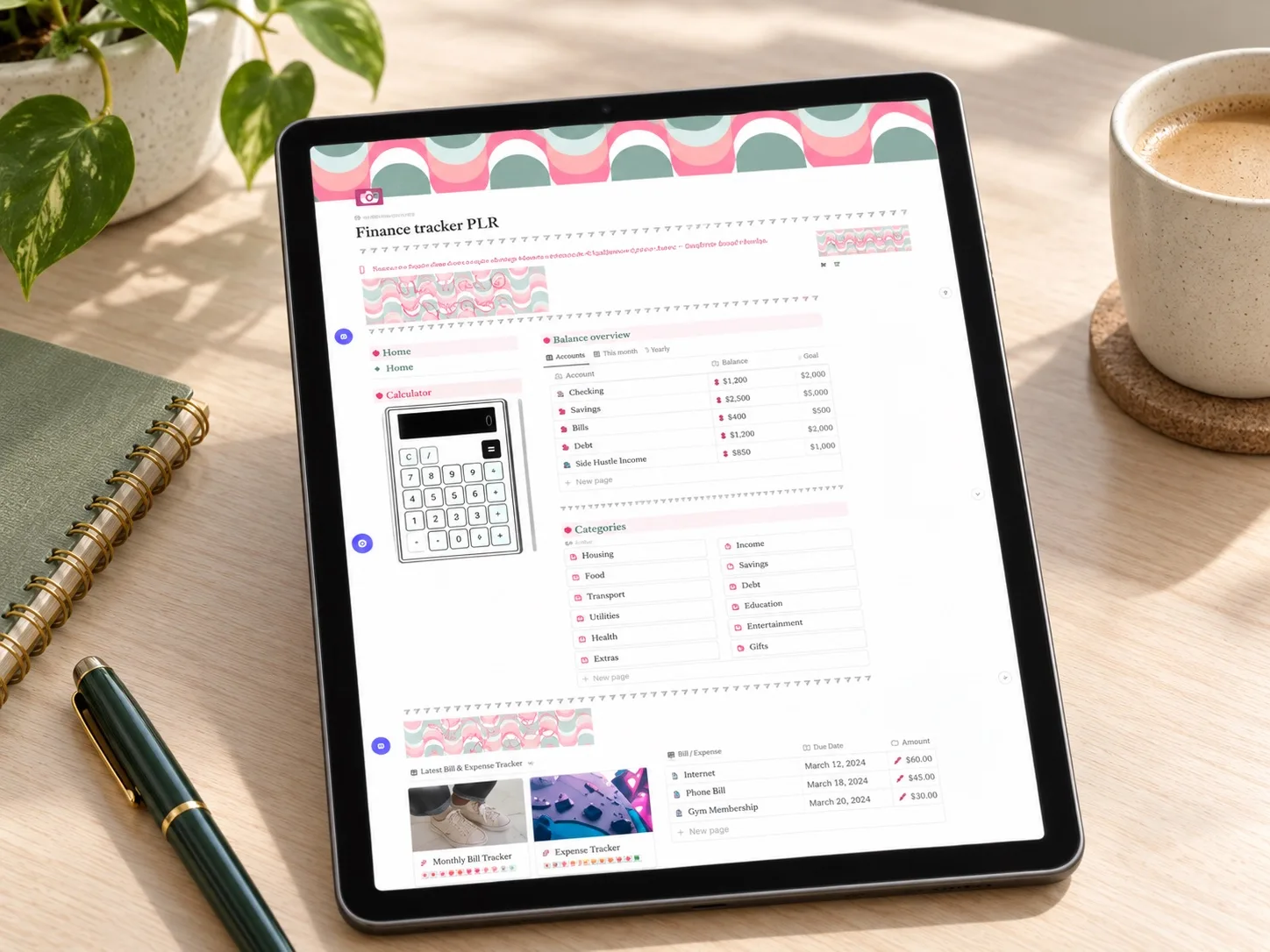 Focused and simple
PLR Finance Tracker
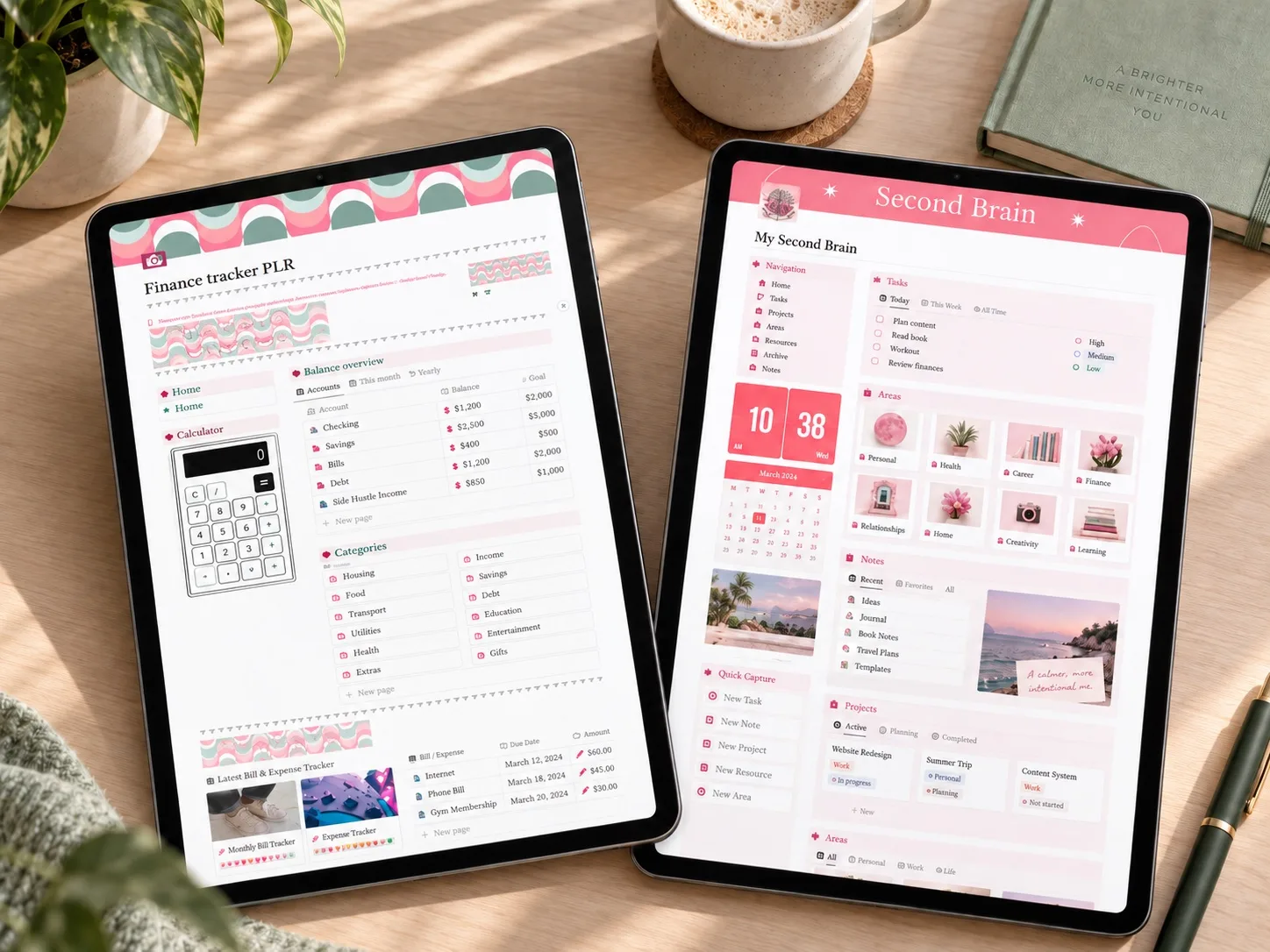
Income, expenses, customizable categories, savings goals and a wishlist: the core of a monthly planner without extra pages.
Read the template guide →Comparing more options? See 10 Notion budget templates for every money goal.
More monthly budget planner formats
- Digital Budget Planner, Financial Plan: A hyperlinked PDF planner for GoodNotes, Noteshelf or Notability with monthly and bi-weekly budget pages, sinking funds, cash envelopes, bill, debt and savings trackers, plus fund challenges (house, rainy day, car repair, vacation).
- 50/30/20 Budget Planner (Google Sheets): An automated Google Sheets planner that splits income into Needs 50%, Wants 30% and Savings 20%, with 12 monthly dashboards, budget vs. actual, sinking funds, savings goals and a subscription tracker.
Questions people ask
Monthly or weekly budget planner?
Plan monthly, check weekly. Bills are monthly; spending decisions happen every week.
What if my income changes every month?
Plan on your lowest realistic month and treat anything above it as extra: savings first, then wants.
How many categories should I have?
Fewer than you think. Five to eight flexible categories are enough for most households.
Set up next month tonight
Write down next month's income and fixed bills. That's two of the seven parts done, and the rest takes one evening.
Written by Calm Budgets