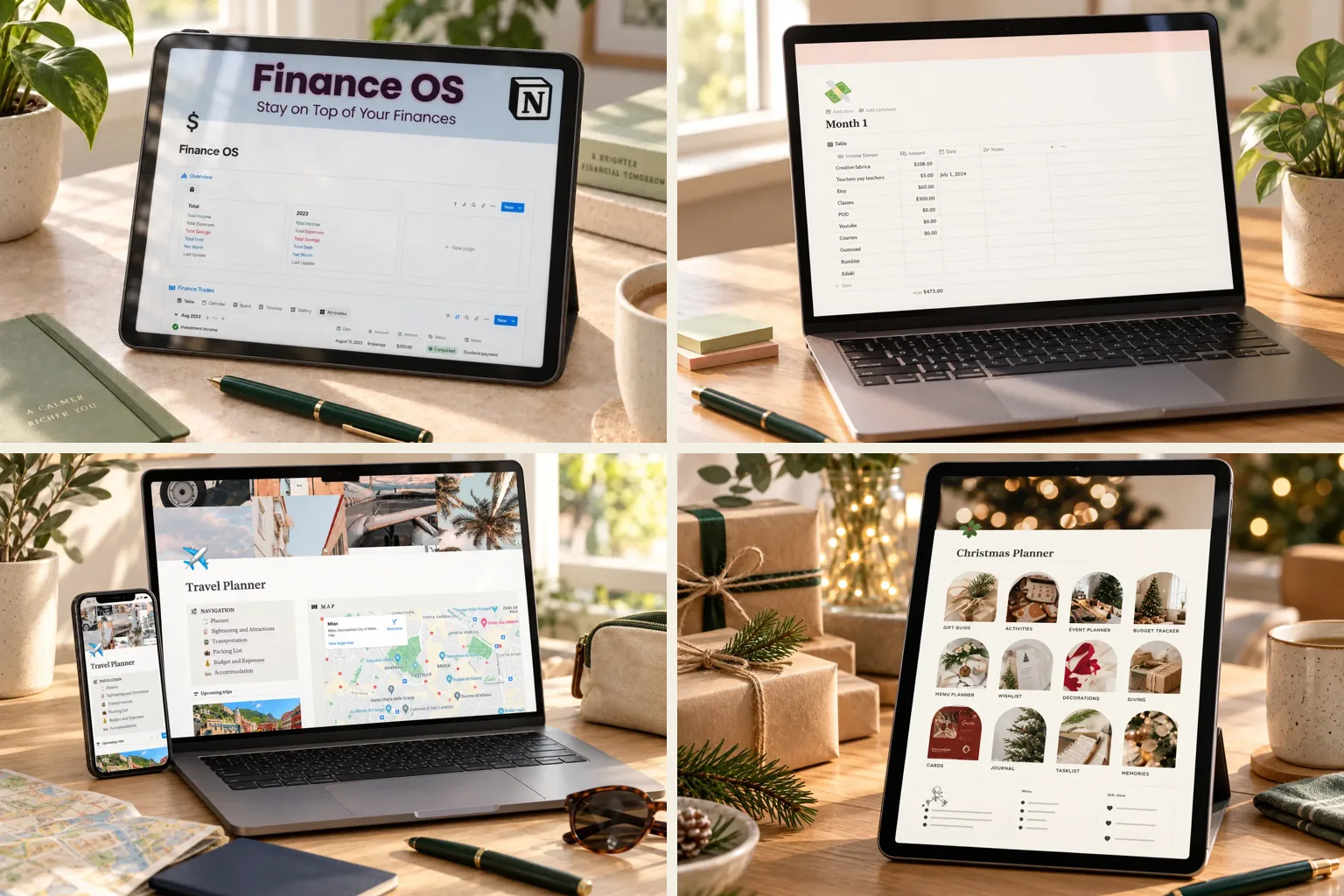
Pick the smallest template that answers this month's money question. A template you open every week beats a beautiful one you abandon.
The 10 templates at a glance
| Your money goal | Template | Why it fits |
|---|---|---|
| A simple weekly budget | PLR Finance Tracker | Income, expenses, savings goals and a wishlist, nothing else |
| Your very first budget | Finance OS Tracker | One overview page, plus subscriptions and account balances |
| Side income from several places | Multiple Income Streams Tracker | Combined monthly total and a line for every income source |
| Money plus everyday organization | Finance Tracker + Second Brain bundle | A finance tracker and a separate organization dashboard |
| A student budget | Notion Student Planner | Budget planner next to classes and daily tasks |
| A lower grocery bill | Grocery Shopping List template | Lists, meal plans and a grocery budget on one page |
| A trip that stays on budget | Travel Planner Dashboard | Spending limits and trip expenses next to the itinerary |
| A wedding without surprise bills | Notion Wedding Planner | Vendors and vendor payments tracked separately |
| A December that doesn't wreck January | Christmas & Holiday Planner | Categorized holiday budget plus a gift tracker with prices |
| Short-term rental profit | Notion Airbnb Tracker | Bookings, bills and income tracked per property |
For everyday budgeting
1. PLR Finance Tracker: the focused weekly budget
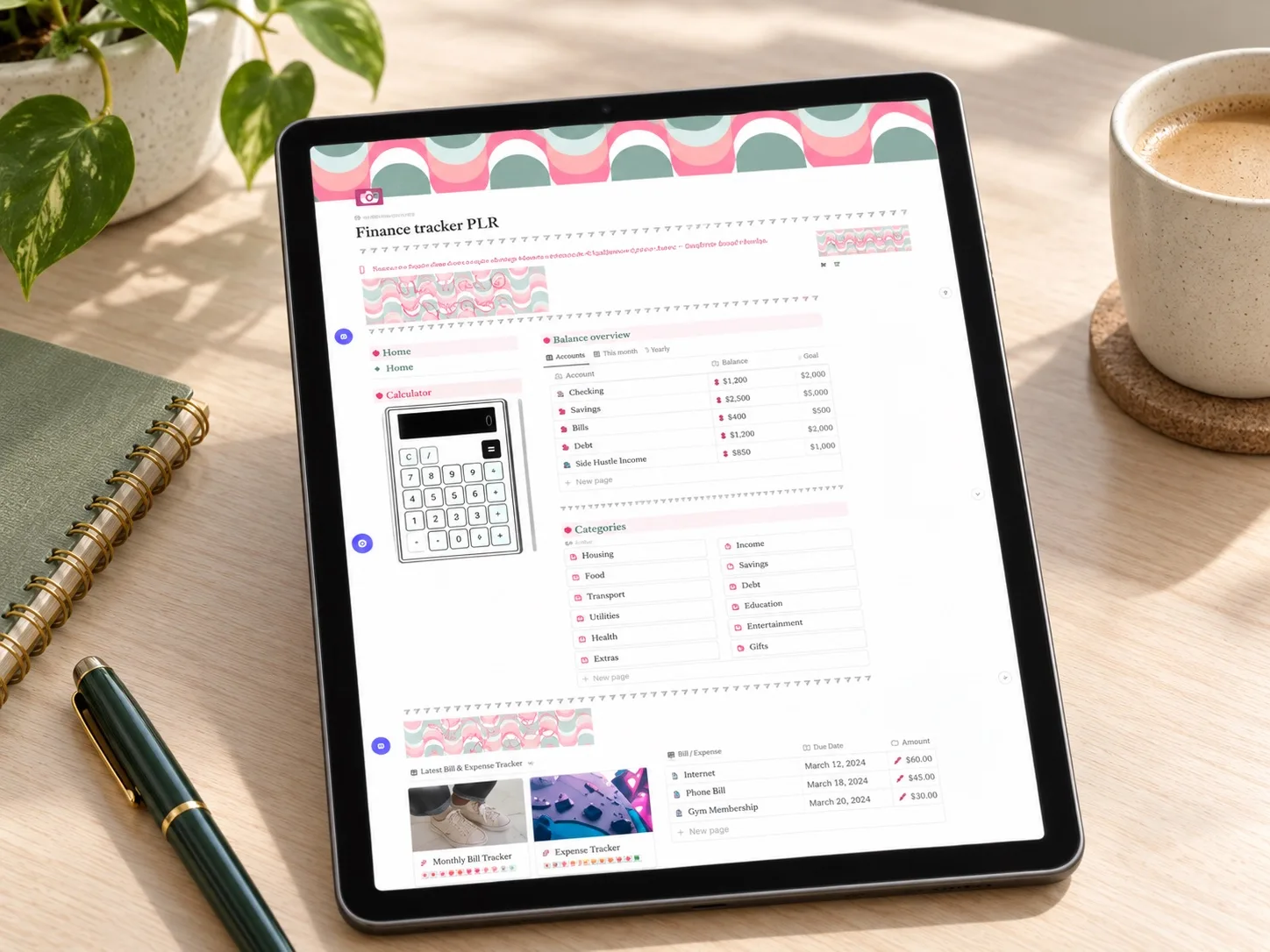
If you want one small money page and nothing else, start here. It covers an income and expense tracker, customizable spending categories, a savings goal tracker, a financial to-do list and a wishlist. The wishlist is the quiet hero: planned purchases wait there instead of slipping into everyday spending.
Best for: a weekly 15-minute money check-in. Skip it if: you want projects, notes and habits in the same workspace.
2. Finance OS Tracker: for your very first budget
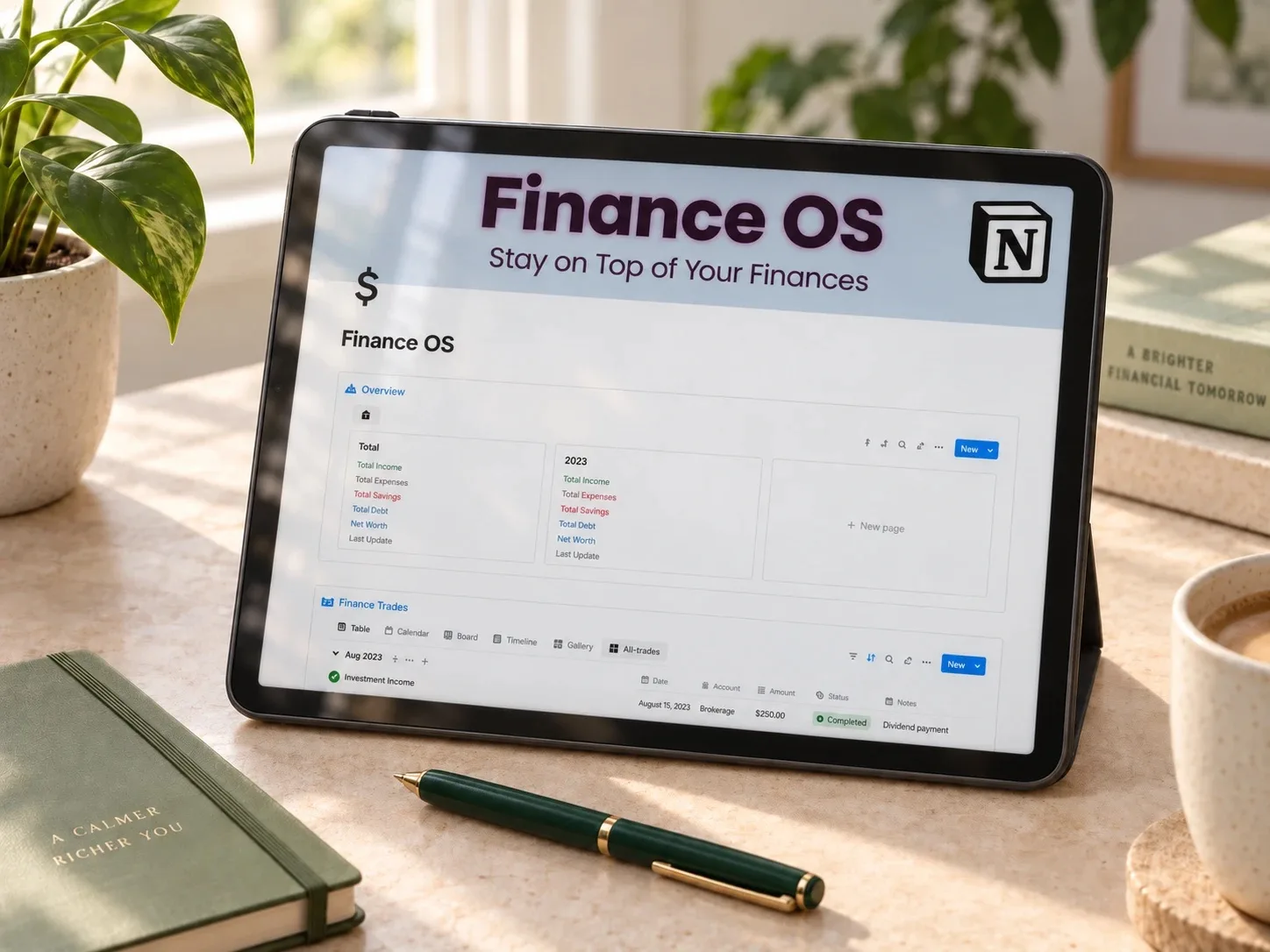
Finance OS puts income, expenses, a subscription tracker with renewal dates, account balances and financial goals on a single overview page. It is aimed at people tracking money seriously for the first time. The subscription tracker doubles as a quick check for renewals you forgot about.
Best for: logging one real month of spending before choosing a bigger system. Note: no public reviews yet at the time of writing.
3. Finance Tracker + Second Brain: money and organization together
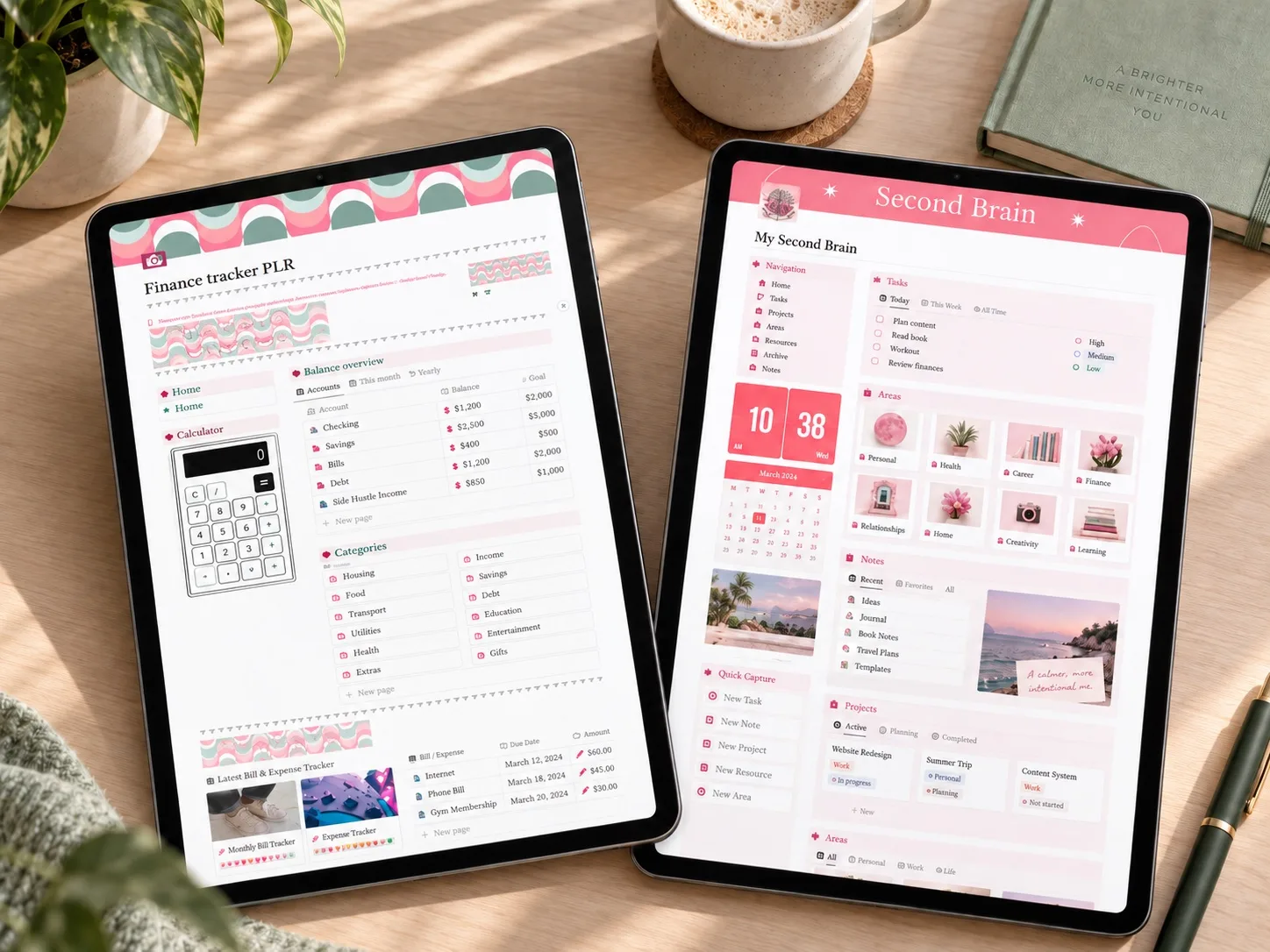
This pink bundle pairs the same core finance tracker with a separate Second Brain dashboard for tasks, projects, notes and resources. It makes sense when a money review usually ends with actions: cancel a subscription, research a purchase, plan a project.
Best for: people who will actually maintain both parts. Check: the listing doesn't make clear whether the two parts share connected databases.
For income and side hustles
4. Multiple Income Streams Tracker: every paycheck in one total
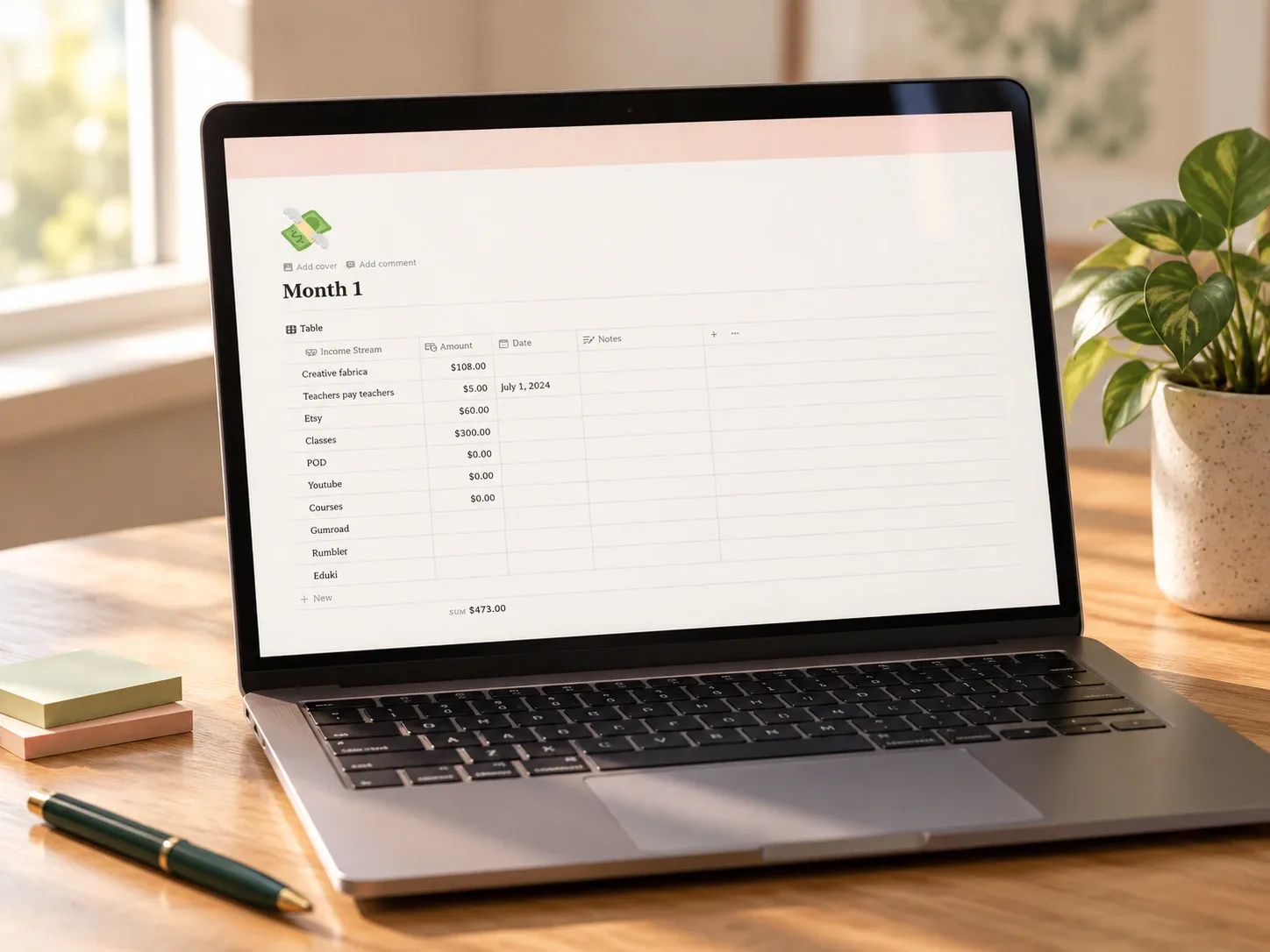
Built around a single question: how much came in this month from every source combined? You log each payment by stream (freelancing, a shop, affiliate sales, courses), and the template calculates monthly totals and charts month-to-month trends. A source that quietly stopped paying becomes easy to spot.
Best for: freelancers and side hustlers. Note: no public reviews yet at the time of writing.
5. Notion Airbnb Tracker: profit per property
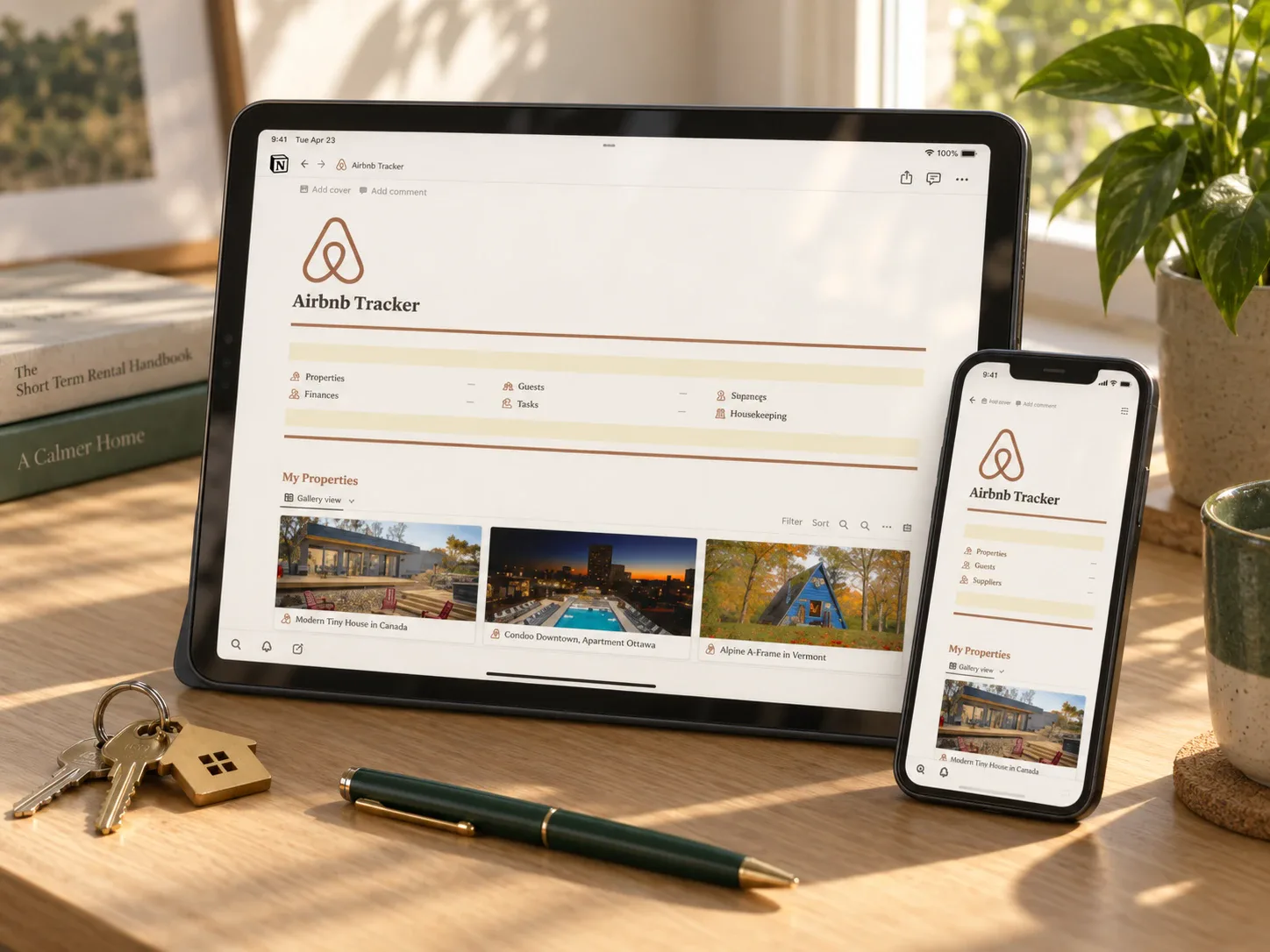
For short-term rental hosts. Properties, reservations, check-ins and check-outs sit next to a budget tracker, bill trackers, income transactions and a yearly overview. Matching every bill and payout to its property shows real performance instead of one blended number.
Best for: hosts with one or more rentals. Note: no public reviews yet at the time of writing.
For a specific season of life
6. Notion Student Planner: a budget that lives next to your classes
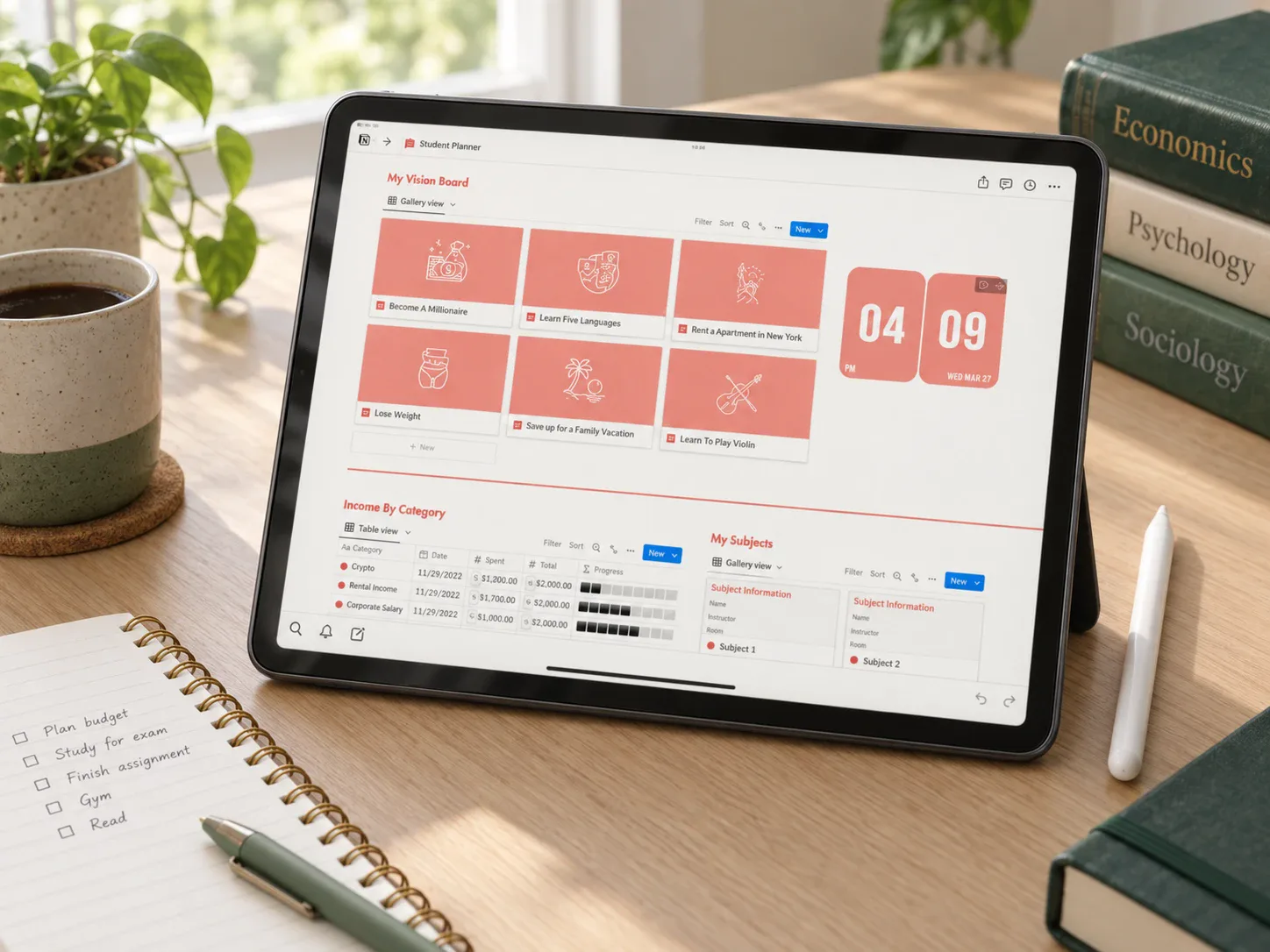
A budget planner with automated calculators sits inside the same dashboard as daily tasks, subjects, a vision board and a fitness tracker. Checking the budget during the same session as the week's classes keeps a due bill and an upcoming exam in view together.
Best for: a semester budget. Note: one public review at the time of writing.
7. Notion Wedding Planner: know who you've already paid
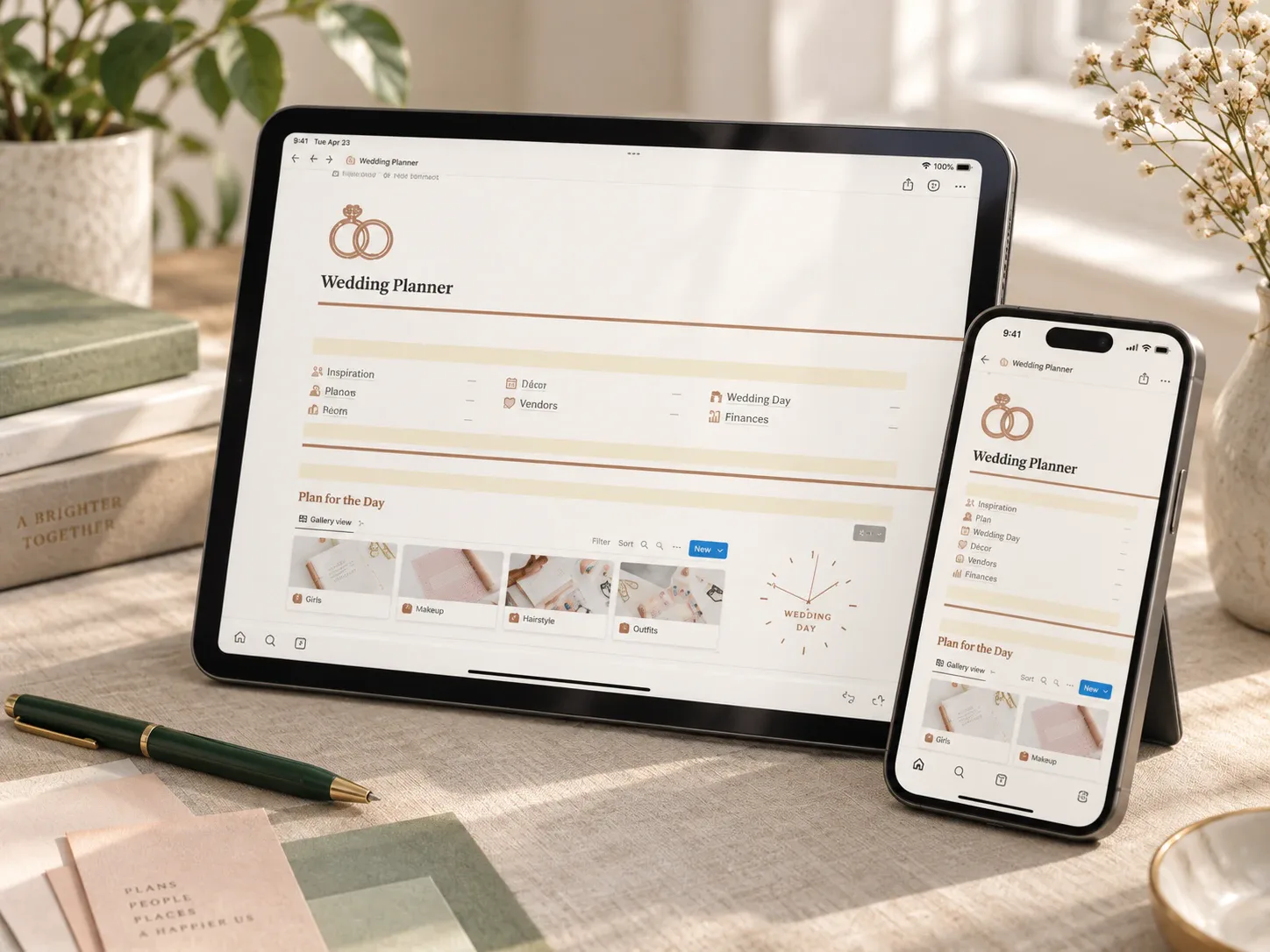
Besides the usual checklist, itinerary and guest list, this planner has a full finance area: an expense tracker, all transactions, vendors and vendor payments. It answers the real wedding-budget question, which is rarely "what's left to plan?" and usually "what have we already paid, and to whom?"
Best for: couples who want planning and payments in one place. Note: no public reviews yet at the time of writing.
For one spending category that keeps running over
8. Grocery Shopping List template: the food budget
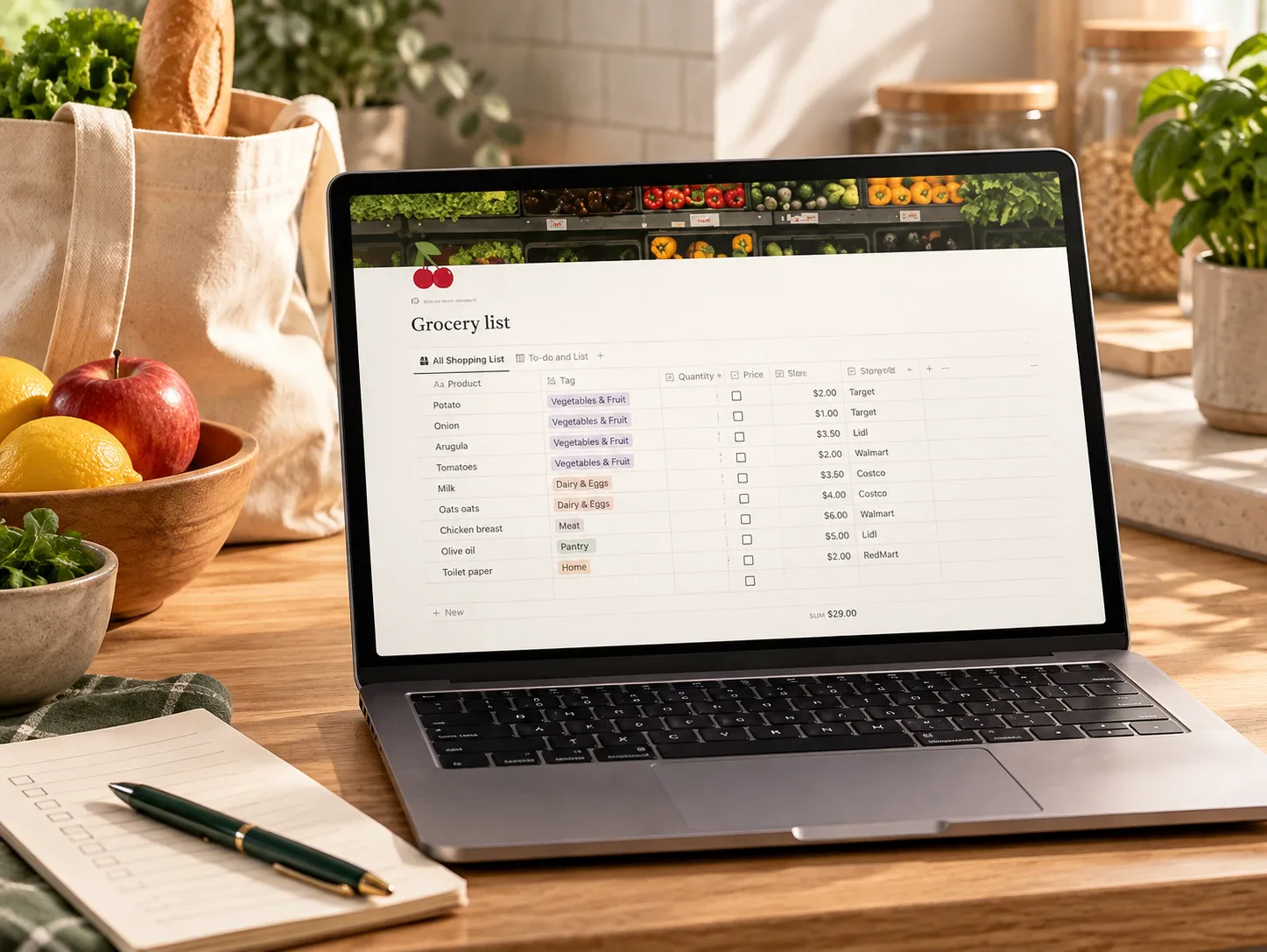
Categorized shopping lists, meal planning and a grocery budget in one reusable page, with a mobile checklist you can share with family or roommates. Plan meals, shop from the list, record the total against the budget.
Best for: households whose biggest leak is food. Note: no public reviews yet at the time of writing.
9. Travel Planner Dashboard: a trip with a spending limit

Itinerary, transport, accommodation and packing sit next to a budget and expenses section where you set limits and log costs during the trip. It is the most reviewed template in this list: six public reviews averaging 4.5, one of which reported a missing home page, so check the delivered template.
Best for: one or more trips a year. Skip it if: a quick spreadsheet of costs is enough.
10. Christmas & Holiday Planner: December, budgeted in October
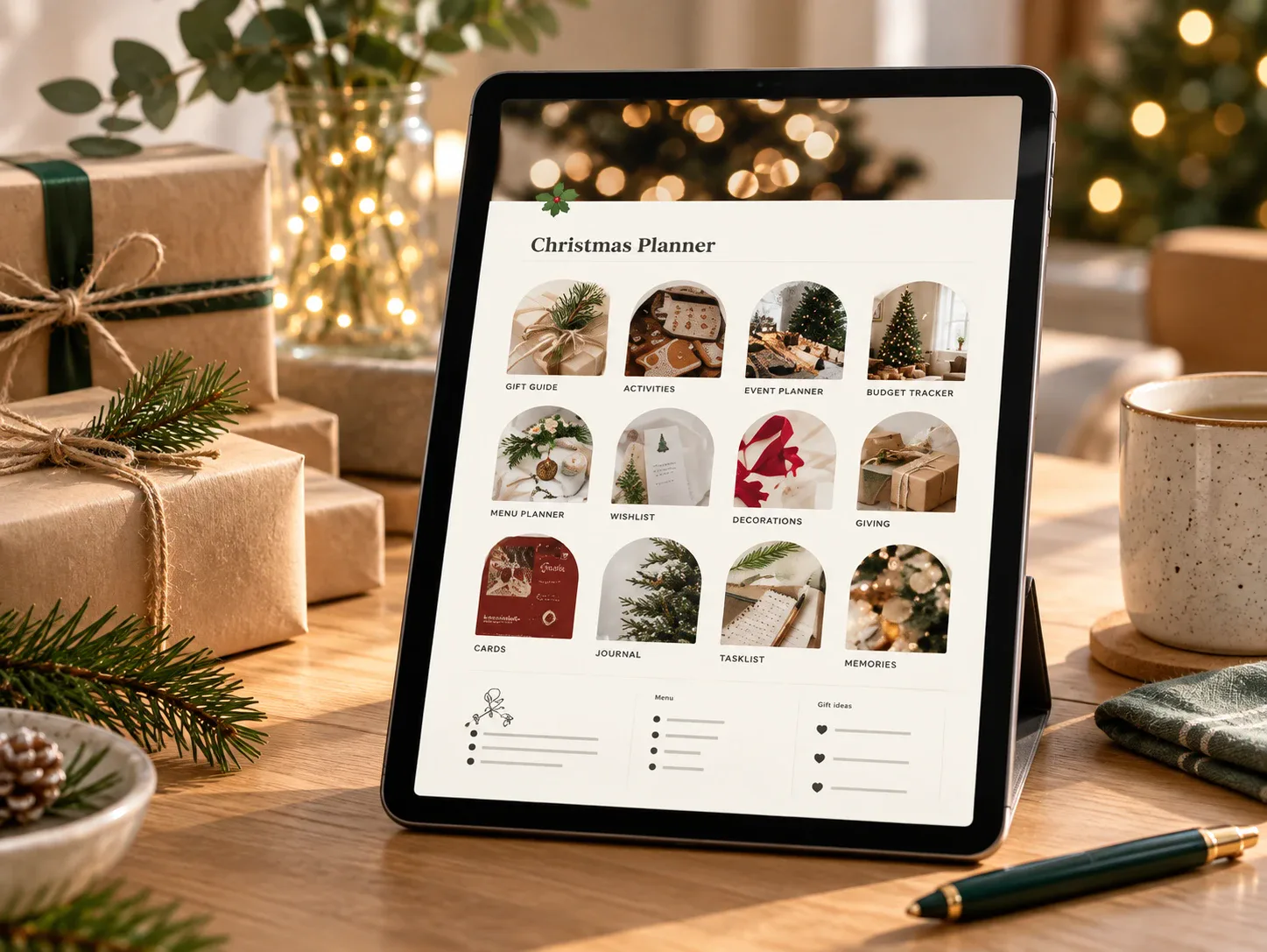
A categorized holiday budget (gifts, decorations, food, entertainment) plus a gift tracker with price and status for every recipient, a menu planner and event checklists. Setting category limits in the autumn is the whole trick, and right now is the right time to do it.
Best for: anyone who hosts or buys for a big family. Note: no public reviews yet at the time of writing.
Pick the smallest template that answers the money question you have this month. A template you open every week beats a beautiful one you abandon after a few days.
How to choose in two minutes
- Write down the one money question you want answered: "Where does it go?", "How much came in?", "Can we afford this event?"
- Pick the template in the table above that matches that question, not the one with the most pages.
- Check how the Notion link is delivered and that it duplicates into your workspace.
- Log one real week before customizing anything.
- Still unsure between simple and all-in-one? Read Simple tracker or second brain?
Want a bigger system instead?
If money is only one part of what you want to organize, look at the all-in-one options: the Notion Dashboard Life Planner, the Ultimate Second Brain, or, for goal-driven planning, the 12 Week Year Planner. Running a shop? See the Etsy Shop Dashboard.
Save the idea for later
A small reminder for your next planning session.
Save to Pinterest
Written by Calm Budgets