Monthly amount = what is left to save divided by the months until the deadline. Recalculate, don’t quit.
Saving is easier when you can see it grow. A savings tracker turns a vague "I'm saving for a trip" into a target, a deadline and a progress bar that moves every time you add money.
What a good savings tracker shows
The only formula you need
Monthly amount = (target − saved so far) ÷ months until the deadline.
| Goal | Target | Saved | Months left | Per month |
|---|---|---|---|---|
| Emergency fund | $2,000 | $500 | 10 | $150 |
| Summer trip | $1,200 | $0 | 8 | $150 |
| Holiday gifts | $600 | $240 | 3 | $120 |
| New laptop | $900 | $300 | 6 | $100 |
Recalculate after every missed or extra month. The deadline stays; the monthly number adjusts.
A savings tracker is for goals you choose. Predictable bills like insurance or car registration belong in sinking funds; unpredictable ones belong in an emergency fund. You can track all three in one place, but keep them separate.
Savings tracker ideas people love
- Color-in chart: 100 small boxes, each one is 1% of the goal. Color one in with every deposit.
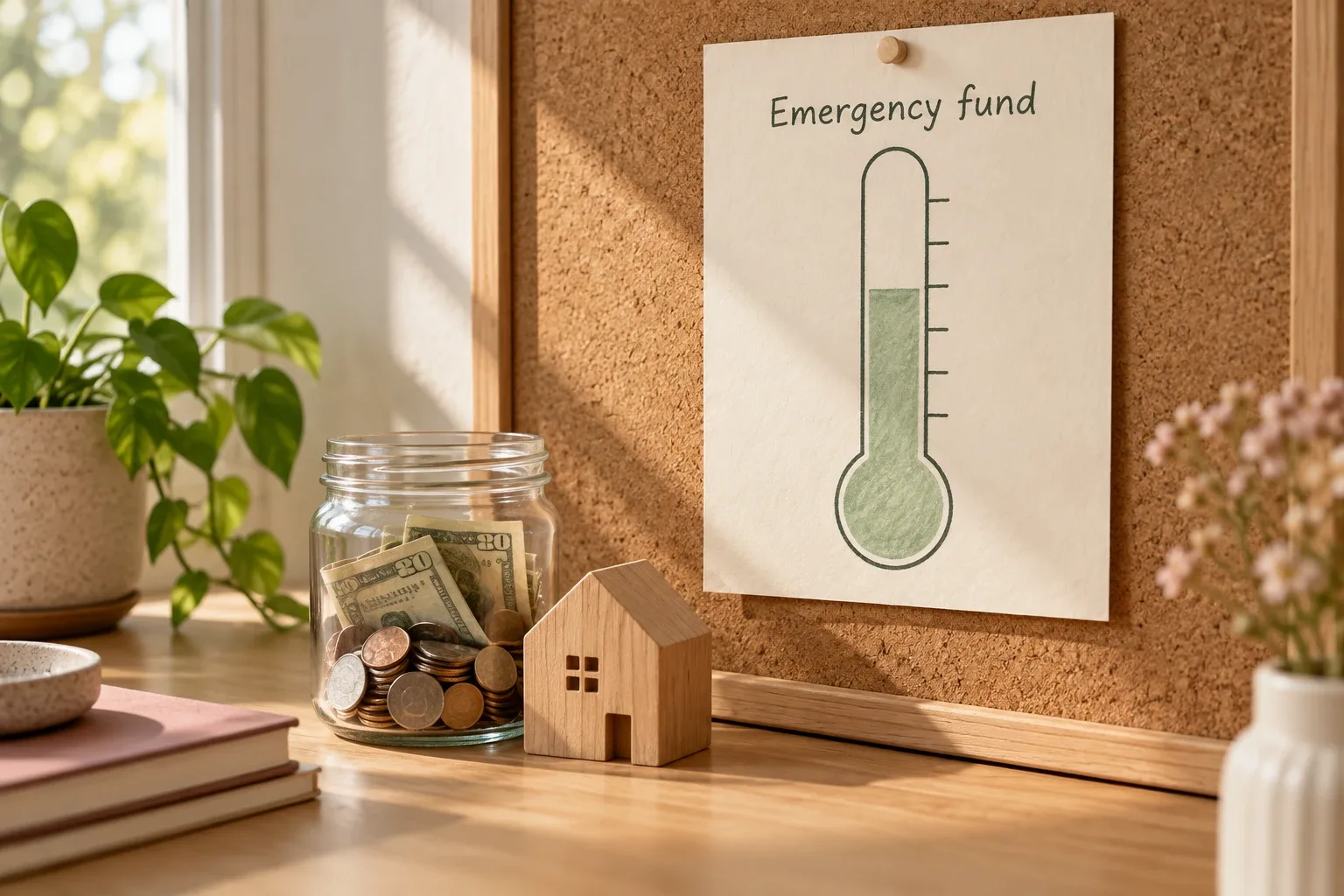
- Thermometer: a tall bar that fills up; good for one big goal.
- Milestones: mark 25%, 50%, 75% and plan a tiny, free celebration at each.
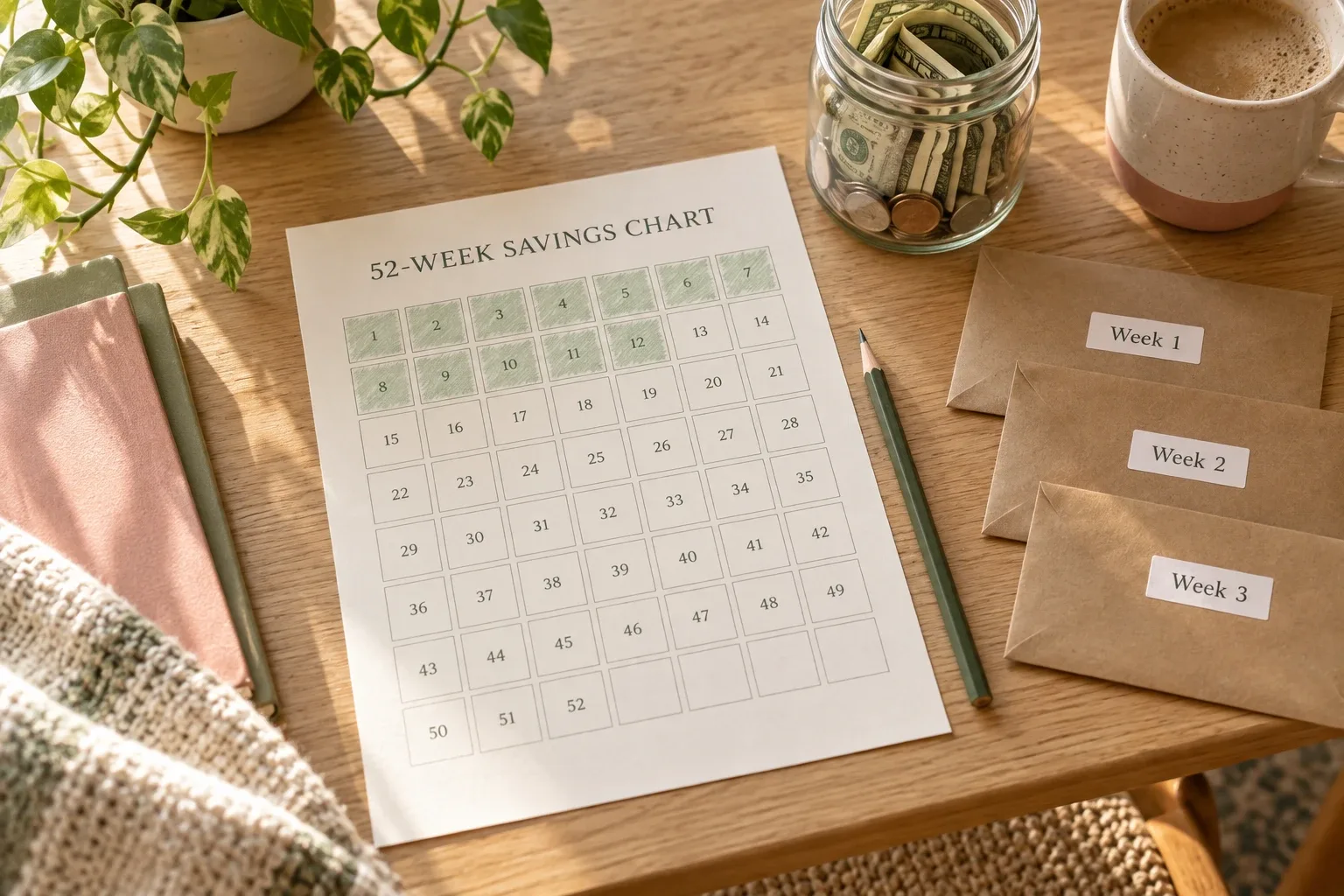
- Challenge grid: for the 52-week or 100 envelope challenge, cross off each amount as you save it. See savings challenge ideas.
- Digital progress bar: in Notion or a spreadsheet, the percentage updates itself when you log a deposit.
A 5-minute monthly routine
- On payday, move each goal's monthly amount into savings.
- Log each deposit in the tracker.
- Check the progress and the months left.
- If a goal fell behind, recalculate its monthly number instead of giving up on it.
What usually breaks a savings tracker
- Too many goals at once. Three active goals is plenty; park the rest in a wishlist.
- No deadline. Without one, there is no monthly number, and no reason to save this month.
- Savings mixed with spending money. Keep a separate account so progress doesn't quietly disappear.
- Updating only when it's going well. A tracker you open in a bad month is the one that works.
Notion templates with a savings tracker
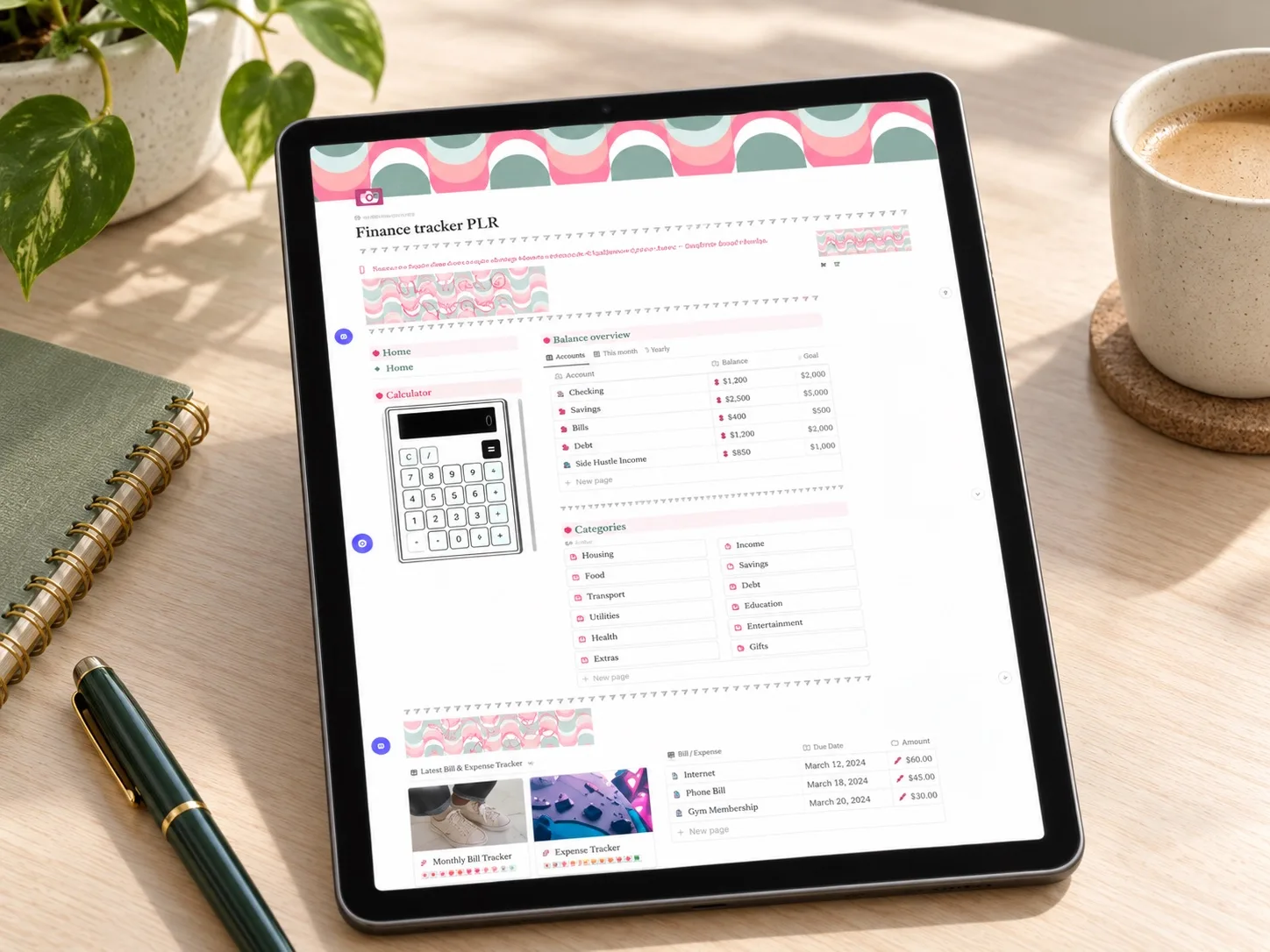 Savings + wishlist
PLR Finance Tracker
The listing includes a savings goal tracker and a wishlist tracker, next to income, expenses and customizable categories.
Read the template guide →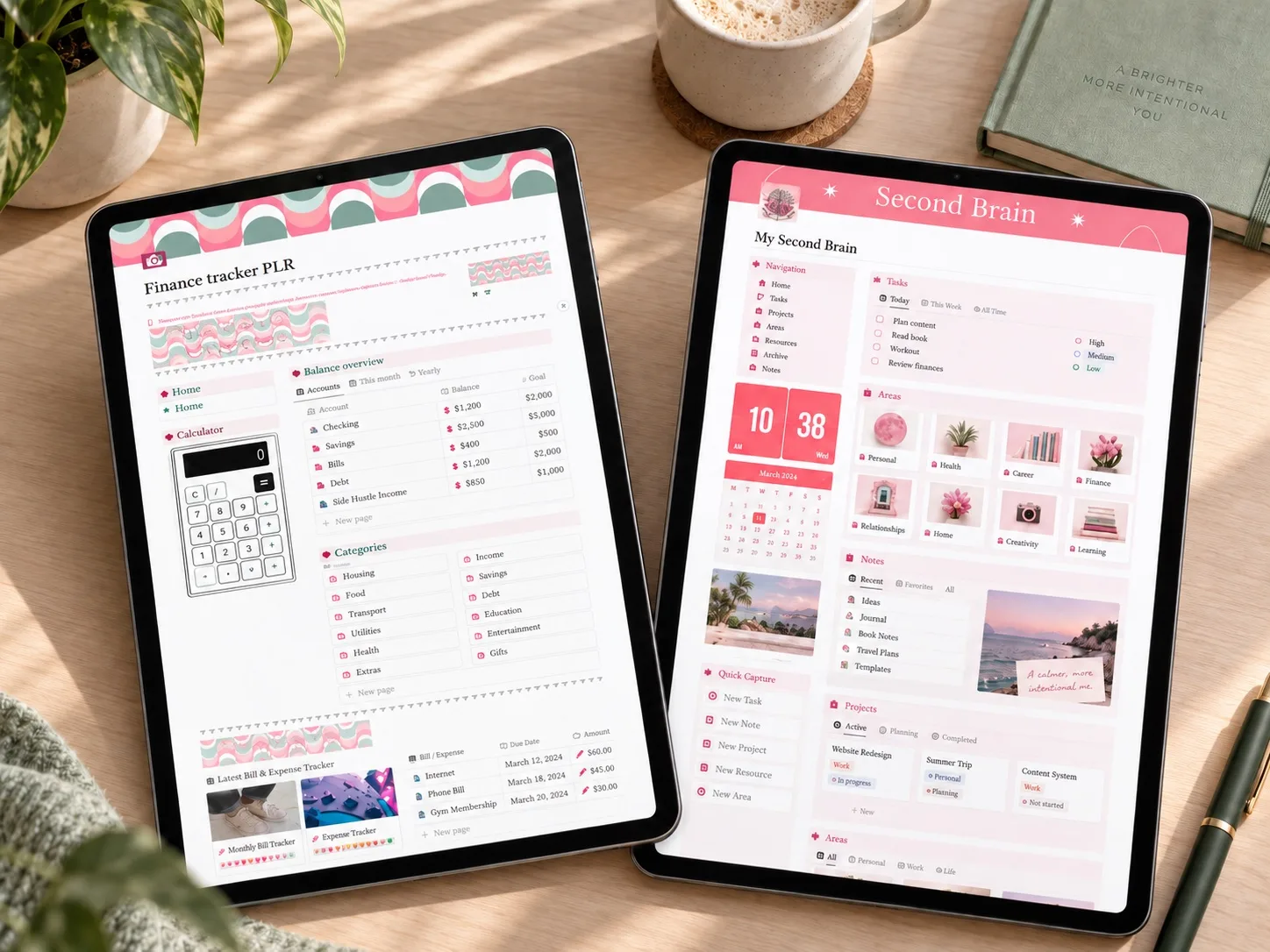 Savings + organization
Finance Tracker + Second Brain
The same savings tracker plus a separate dashboard for the tasks and plans around each goal.
Read the template guide →Printable and digital savings trackers
- Money Saving Challenge Bundle: An editable Canva bundle of about 80 printable pages: save-$100 to save-$10,000 challenges, a 52-week sheet, a 100 envelope challenge, savings and spending trackers and monthly budgets.
- Digital Budget Planner, Financial Plan: A hyperlinked PDF planner for GoodNotes, Noteshelf or Notability with monthly and bi-weekly budget pages, sinking funds, cash envelopes, bill, debt and savings trackers, plus fund challenges (house, rainy day, car repair, vacation).
Questions people ask
One savings account or several?
One separate account is enough; the tracker shows how much of it belongs to each goal.
How often should I update it?
After every deposit, and a quick look once a month.
What should my first goal be?
A small emergency buffer, often $500–$1,000. It protects every other goal from the first surprise bill.
Start with one goal
Write one goal, its target and its deadline. Divide, and you have this month's number.
Written by Calm Budgets