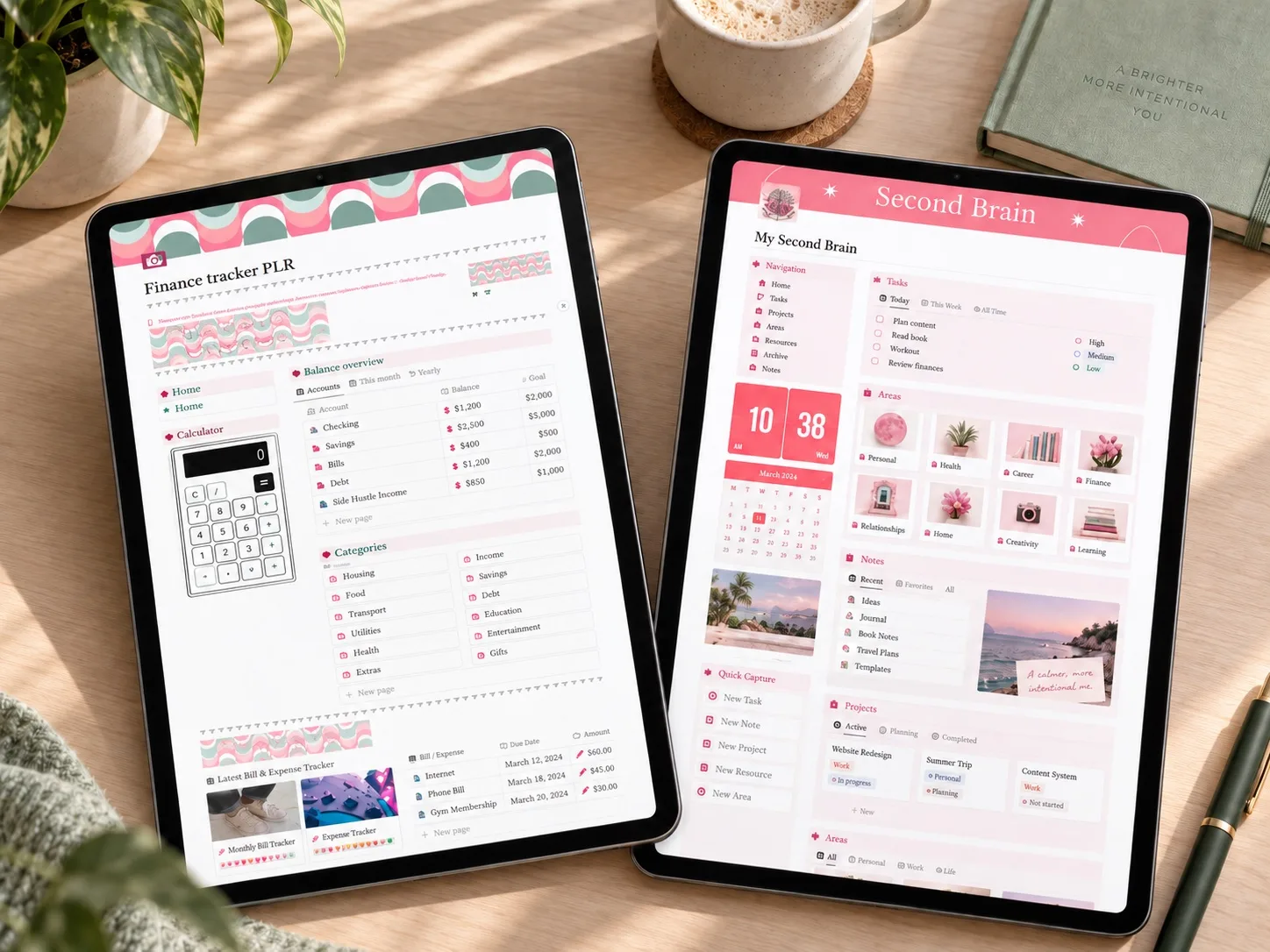
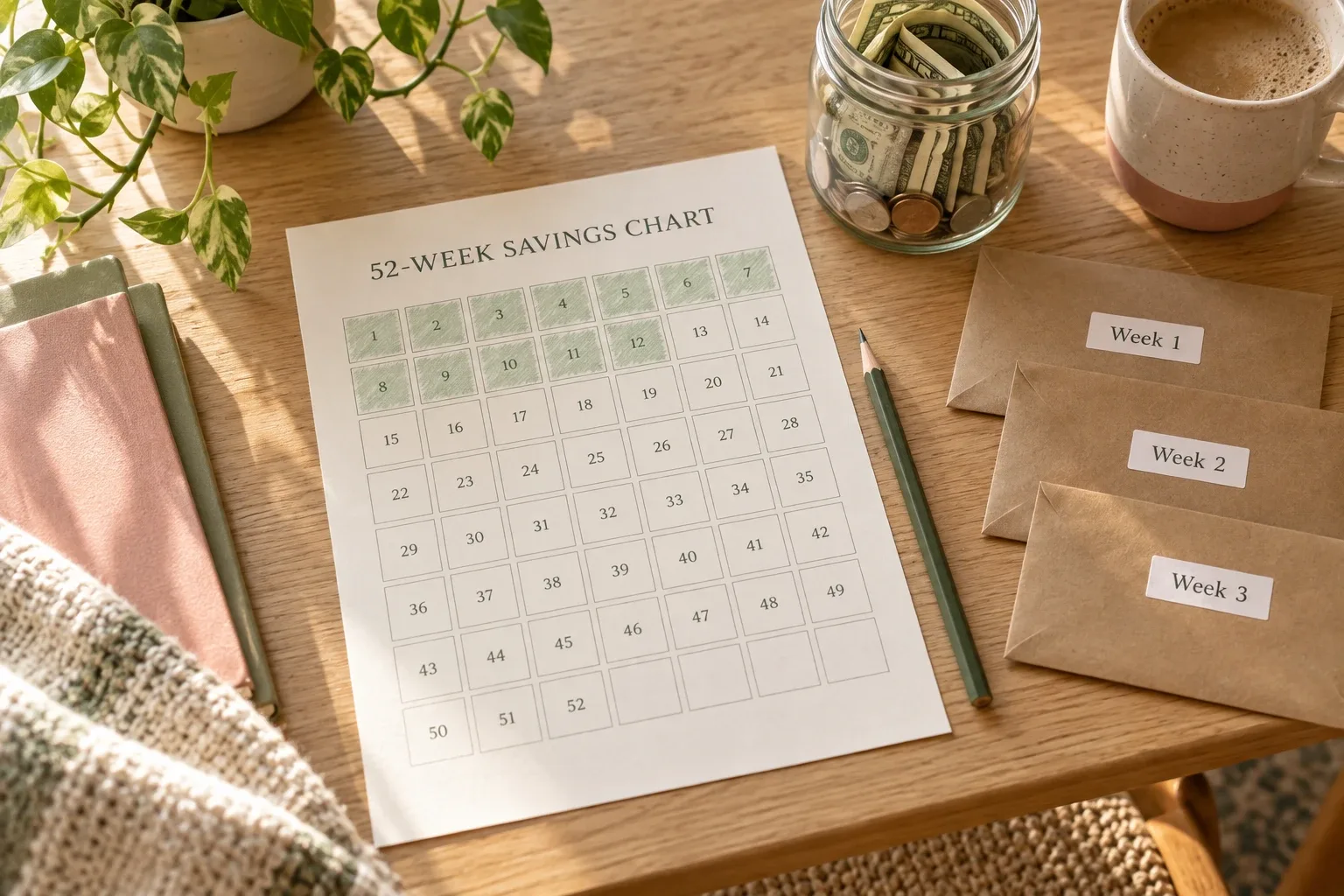
A planner page earns its place when it answers one recurring money question and ends with a decision you can act on.
A useful budget planner does not need more pages. It needs the right page for the question you are trying to answer.
The core of a budget is still simple: income, bills, flexible spending, savings, debt, and a review. If those basics are missing, start there. But once the foundation works, one carefully chosen decision page can remove a recurring point of confusion: How much is safe to spend? Which bill comes next? Can I afford an extra debt payment? What should change next month?
This guide gives you 12 optional budget planner page ideas. You do not need all 12. Choose the two or three that solve a problem you face repeatedly, give each page a clear update rhythm, and make sure it ends with a decision rather than more data entry.
The 12-page decision map
| Page | Question it answers | Decision it supports | Update rhythm |
|---|---|---|---|
| Safe-to-spend snapshot | What can I spend before the next payday? | Set a flexible-spending limit | Weekly or each payday |
| Next bill page | What must be paid next? | Reserve money before spending elsewhere | Weekly |
| Variable-spending cap | How much is left for flexible costs? | Slow or pause a category | Weekly |
| Sinking-fund need | What future expense needs money now? | Choose this month's contribution | Monthly |
| Subscription decision | Which renewal needs a decision? | Keep, cancel, pause, or downgrade | Before renewal |
| Extra debt payment | Can I pay more without creating a shortage? | Set a safe extra payment | Monthly |
| Goal timeline | What amount could meet the deadline? | Keep, move, or resize the goal | Monthly |
| Irregular-income floor | What can I plan around in a lower month? | Build from a conservative baseline | Monthly |
| Annual expense calendar | Which non-monthly cost is approaching? | Start or adjust a set-aside | Monthly |
| Buffer check | How much breathing room remains? | Protect or rebuild the buffer | Weekly |
| Adjustment log | Why did plan and actual differ? | Make one specific change | Month-end |
| Next-month action | What is the most useful change now? | Carry one improvement forward | Month-end |
1. Safe-to-spend snapshot
This page answers a short-term question: after the money already committed before your next payday, what is still available for flexible spending?
available cash − bills due before payday − planned transfers − buffer
For example, if $820 is available, $430 is needed for bills, $100 is scheduled for savings, and you want to protect a $90 buffer, the safe-to-spend amount is $200.
Do not treat the number as permission to empty the account. Divide it across the remaining days or the categories that tend to drift. The decision is the limit you will use until the next review.
2. Next bill page
A monthly total can look affordable while the timing is not. The Consumer Financial Protection Bureau explains that a bill calendar can help you see what you owe and when it is due, especially when the timing of income and expenses does not line up.
- bill name;
- due date;
- expected amount;
- autopay or manual;
- account used;
- reserved, paid, or needs attention.
Sort by due date and highlight only the next seven to fourteen days. The page should end with a decision such as “reserve $140 from Friday's paycheck,” not merely show a list.
3. Weekly variable-spending cap
Broad monthly categories can be hard to use halfway through the month. A weekly cap makes the remaining room visible for groceries, transport, eating out, and other flexible costs.
Start with the monthly category limit, subtract actual spending, and divide the remainder by the weeks left. If $360 remains for groceries with three weeks left, the current weekly guide is $120.
This is not a promise that every week will be identical. It is an early warning. If one week needs $145, the page shows that later weeks need an adjustment rather than hiding the difference until month-end.
4. Sinking-fund need
A sinking fund spreads a known future cost across the months before it arrives. Give one page to expenses such as annual insurance, holiday travel, school costs, car maintenance, or a professional renewal.
(estimated cost − amount already saved) ÷ contribution months left
The useful decision is not “track this goal.” It is “contribute $75 this month,” “move the deadline,” or “reduce the planned cost.”
5. Subscription renewal decision
A subscription tracker becomes useful before the charge, not after it. Record the next renewal date, expected price, billing frequency, payment method, last-use note, and a separate review date.
Give the page four explicit outcomes: keep, cancel, pause, or downgrade. That prevents “review later” from becoming a permanent status.
If recurring charges are a specific pain point, use the more detailed subscription tracker guide rather than adding unnecessary fields here.
6. Extra debt payment choice
An extra payment can support faster payoff, but it should not force you to borrow again for an ordinary bill. This page should show required minimums, bills and essentials still due, planned savings or buffer contribution, cash remaining after those commitments, the proposed extra payment, and cash left afterward.
The page does not choose a payoff strategy for you. It shows whether the proposed amount fits this month's cash flow. If the remaining buffer becomes too thin, reduce or postpone the extra payment instead of making the dashboard look ambitious.
7. Goal timeline
For a defined savings goal, record the target cost, amount already saved, deadline, and months remaining. Divide the remaining amount by the remaining months to calculate the first monthly target.
Then ask the question that matters: does that target fit after normal expenses and existing commitments? The FDIC's Money Smart material similarly pairs a monthly savings target with an affordability check. If the number does not fit, extend the deadline, reduce the cost, or change the contribution plan.
8. Irregular-income floor
If income varies, a budget based on the best month can fail quickly. Build this page around a conservative planning floor you can explain, not a hopeful average.
Show recent take-home income by month, mark unusual high or low months, and choose a baseline for essential planning. Then create rules for money above the baseline: for example, a percentage for taxes, a percentage for a buffer, and a percentage for current goals.
The decision is the baseline you will use for the next budget. Revisit it when enough new income history exists, not every time one strong month arrives.
9. Annual expense calendar
Some “surprises” are predictable costs that happen less than monthly. Use a year-at-a-glance page for insurance premiums, memberships, school costs, gifts, taxes, maintenance, and renewals.
Each item needs a month, rough amount, current set-aside, and next contribution. Look three months ahead during the monthly review. The decision may be to start a sinking fund, increase a contribution, or confirm that the amount is already covered.
10. Buffer check
A checking-account buffer is money deliberately left unassigned to absorb timing differences and small mistakes. Keep it separate from emergency savings and from money that only appears available because a bill has not cleared yet.
Record your target buffer, current genuine buffer, and any amount temporarily committed. If the buffer falls below its floor, the page should trigger a specific response: reduce flexible spending, delay a nonessential transfer, or rebuild it from the next payday.
11. End-of-month adjustment log
Comparing planned and actual numbers is useful only when the difference changes the next plan. Record the category, planned amount, actual amount, reason you can identify, and one change for next month.
Groceries were $86 over because of a household restock; add $35 next month and move household supplies into a separate category.
That is useful. “Overspent again” is not. For a complete process, use the 20-minute monthly budget review. This page is simply the memory of the decision that came out of it.
12. Next-month action page
End the planner with one action, not a long resolution list.
- move one bill due date closer to payday;
- add $25 to the car-maintenance sinking fund;
- cancel a renewal before the review date;
- lower the dining-out cap by $30;
- rebuild the checking buffer to $200.
Write the action, amount if relevant, owner if the budget is shared, and deadline. At the next review, mark it done, revised, or no longer needed.
How to choose the right three pages
- Name the decision you keep postponing or guessing.
- Choose the page that answers it.
- Decide where each number comes from.
- Set the update rhythm.
- Write the action the page should produce.
- Test it for one month before adding another page.
If your core budget is not working yet, begin with the seven parts of a monthly budget planner or the nine financial planner sections worth keeping. The ideas in this article are optional problem-solving pages, not replacements for the foundation.
Building these pages in Notion
In Notion, most of these ideas can start as a small database view or a simple page with a few properties. Resist the urge to create a complex relation and formula system before you know the page helps.
- Put the question in the page title.
- Keep only the fields needed to answer it.
- Create one filtered view for the current week or month.
- Use a status or action that closes the loop.
- Archive old items so they do not crowd the working view.
For example, a next-bill database might use bill, due date, amount, account, and status. The default view can show only unpaid bills due within 14 days. A separate archive view can keep the history without making the working page noisy.
A multipage Notion planner example
The approved Notion Template, Notion Life Planner on Creative Fabrica is an example of a broader multipage Notion workspace. Its public listing shows a dark-mode dashboard and names areas including Daily Tasks, Work, Budget, Monthly Tasks, Academics, Media Hub, Goals, Shopping, Fitness, Recipes, Calendar, and Weather Forecast.
That breadth may suit someone who wants budgeting to live beside the rest of life planning. It may be more than you need if your only problem is one weekly spending decision. Start with the smallest system that answers your real question.
The product was not purchased or tested for this article. The listing says the download is a PDF containing a link to duplicate the Notion template. Although the public description mentions automated calculators, the internal Budget page, formulas, database relationships, and duplication flow were not independently verified. The 12 page ideas in this guide are editorial suggestions; they are not presented as pages included in the product.
 Multipage Notion planner
Notion Template, Notion Life Planner
A dark-mode Notion workspace whose public listing includes budget, goals, shopping, monthly planning, tasks, fitness, recipes, and other life areas.
See the Notion template details →Frequently asked questions
How many pages should a budget planner have?
There is no ideal count. Keep the core pages needed to see income, obligations, spending, savings, and a review. Add an optional page only when it answers a recurring question and changes a decision.
Should every budget category have its own page?
Usually not. Start with a simple budget categories list. Give a category its own page only when the extra detail changes how you plan or spend.
Can I use these ideas in a paper planner?
Yes. Each idea can be a notebook spread, printable page, spreadsheet tab, or Notion view. The useful part is the question, reliable numbers, update rhythm, and decision—not the software.
Which page should a beginner add first?
If bills are the main source of surprises, start with the next-bill page. If day-to-day spending is the problem, start with safe-to-spend. If the budget looks fine until annual costs arrive, start with the annual expense calendar.
How often should I update the pages?
Match the rhythm to the decision. Bills and safe-to-spend may need a weekly or payday check. Goals, sinking funds, debt choices, and adjustment logs usually fit a monthly review. Renewal decisions should happen before the charge date.
Build fewer pages, make better decisions
The best budget planner is not the one with the most dashboards. It is the one that helps you notice the next bill, protect the right amount, adjust before a problem grows, and carry one useful decision into the next month.
Choose one page from this list. Give it real numbers, a review time, and a clear action. If it makes the next decision easier for a full month, keep it. If it only creates more data entry, remove it.
Sources
- Consumer.gov: Making a Budget
- Consumer Financial Protection Bureau: Your Money, Your Goals toolkit
- Consumer Financial Protection Bureau: Bill Calendar
- FDIC Money Smart for Adults: Your Spending and Saving Plan
- Creative Fabrica: Notion Template, Notion Life Planner
This article is educational and does not provide individualized financial advice.
Written by Calm Budgets