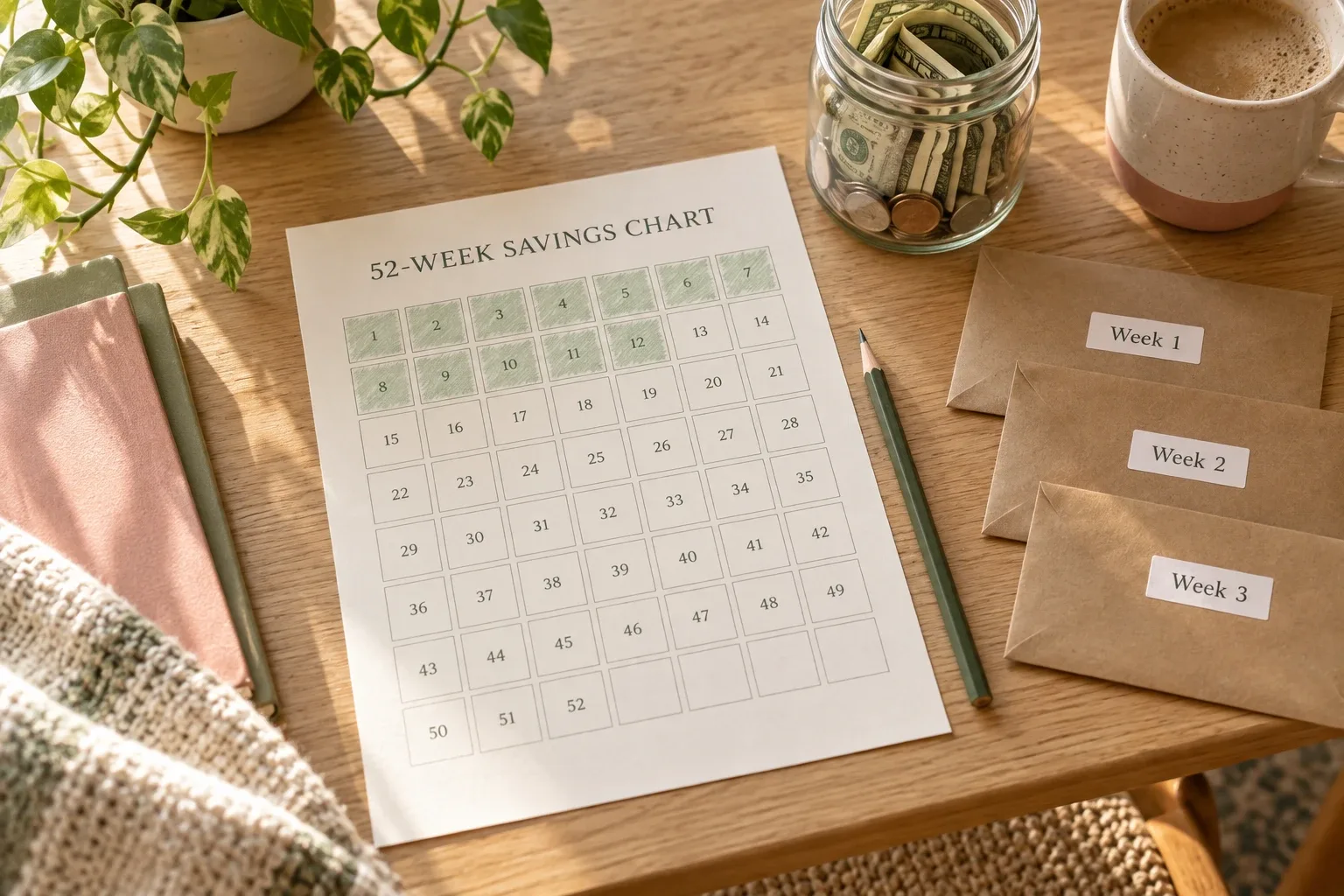
A useful savings vision board connects one meaningful image to a remaining amount, a real deadline, an affordable monthly target, and the next scheduled contribution.
A savings vision board should do more than remind you that you want a holiday, a home deposit, a quieter emergency fund, or a paid-off purchase. It should tell you what the picture means in money terms and what must happen this month.
That does not mean turning the board into a complicated financial dashboard. The useful version is simple: one clear image, one target amount, one deadline, one realistic monthly contribution, and one next action you can repeat.
This guide shows how to build that version, test whether the monthly number fits your budget, and review the board without confusing motivation with a guarantee.
The quick formula
Start with three numbers:
- total cost of the goal;
- money already saved for it;
- number of months until the deadline.
(total goal − amount already saved) ÷ months remaining
If a goal costs $3,600, you have already saved $600, and the deadline is ten months away, the remaining amount is $3,000. Your first monthly target is $300.
That number is a starting plan, not proof that the goal fits your life. The next step is comparing $300 with the money actually available after essential expenses and existing savings commitments.
What a savings vision board is for
A vision board is a visual reminder of a result you care about. A savings vision board narrows that idea to a goal that requires money: a move, a trip, a course, a replacement car, a home project, or a cash buffer.
The image answers, “Why does this goal matter?” The target and deadline answer, “What does it require?” Your monthly contribution answers, “What should happen next?”
The board cannot create room in your budget, predict surprise expenses, or make a goal happen by itself. Its practical value is keeping one decision visible. That is why this article focuses on the monthly number rather than filling a collage with many unrelated wishes.
If you are still choosing visuals, start with the guide to money vision board pictures. If you already have one important image and want a longer action cycle, use the separate 12-week money vision board plan. Here, the job is narrower: build one savings target you can test against a real month.
Step 1: choose one savings goal
Begin with one goal that has a definable cost. “Financial freedom” may be meaningful, but it is too broad for a monthly calculation. A specific version might be:
- save a $1,500 starter emergency buffer;
- save $2,400 for a professional course;
- build a $3,600 travel fund;
- save $5,000 toward moving costs;
- replace a $900 laptop without using credit.
Use a separate calculation for each goal. Combining a holiday, emergency fund, and home deposit into one total makes it difficult to know which deadline matters and whether progress is real.
I am saving $3,600 for a planned trip by August 31 so I can pay the major costs without carrying them into the months that follow.
The sentence names the amount, date, and reason. Those three details make the image usable.
Step 2: define the real amount still needed
Do not automatically use the advertised price or your first rough estimate. List the costs that genuinely belong to the goal.
For a trip, that might include transport, accommodation, local travel, food, insurance, and a small contingency. For a move, it might include a deposit, moving service, utility setup, supplies, and the first week of practical expenses.
Then subtract only money already reserved for this exact goal. A checking-account balance is not “already saved” if it must still cover rent and groceries.
| Calculation | Amount |
|---|---|
| Estimated goal cost | $3,600 |
| Already saved for this goal | −$600 |
| Remaining amount | $3,000 |
If the estimate is uncertain, add a note saying what could change. Honest uncertainty is more useful than a precise-looking number built on guesses.
Step 3: choose a deadline you can count
Use a specific date, then count the full saving months available before the money is needed. If a payment is due at the beginning of a month, do not count that month as if you can save through the end of it.
For example, if you begin in November and need the money by the end of August, you have ten monthly contributions: November through August. If you need the full amount on August 1, you may have only nine useful contribution months.
The FDIC describes a savings goal as including what you want, how much you need, when you need it, and how you plan to save. The date is not decoration; it is what turns the remaining amount into a pace.
Step 4: calculate the first monthly target
| Remaining amount | Months | Monthly target |
|---|---|---|
| $3,000 | 10 | $300 |
The FDIC's Money Smart worksheet uses the same basic structure: cost of the goal divided by the number of months equals the monthly savings target. The worksheet then asks whether that target is affordable given income and expenses. That second question is essential.
If your result is not a whole number, round up only if the higher amount is genuinely manageable. A result of $183.33 could become $184, but it does not need to become $200 simply because a round number looks nicer.
Step 5: compare the target with available money
Your board should not ask your budget to produce money that is already committed. Use a recent normal month and calculate:
monthly income − monthly expenses − existing savings commitments
| Monthly picture | Amount |
|---|---|
| Take-home income | $4,100 |
| Essential and flexible expenses | −$3,550 |
| Existing emergency-fund contribution | −$150 |
| Available for the new goal | $400 |
The calculated $300 target fits inside the $400 available amount and leaves $100 of breathing room. That does not guarantee every month will be identical, but it is more credible than choosing $300 without looking at the rest of the budget.
Consumer.gov recommends listing income and monthly expenses, subtracting expenses from income, and using the result to plan the month. It also notes that savings can be included as an expense in the budget. Treating the contribution as a planned line makes it visible before leftover money disappears.
If you do not yet trust your categories, build a simple budget categories list before committing to the deadline.
What to change when the number does not fit
If the monthly target is $300 but only $175 is reliably available, the board has revealed a planning gap. It has not revealed a personal failure.
- Extend the deadline. Saving the remaining $3,000 over 18 months would require about $166.67 per month.
- Reduce the cost. Choose a smaller version of the goal or remove optional parts.
- Increase available money. Use a specific spending change or additional income source, but count it only when it is realistic.
- Use planned irregular contributions. A tax refund, bonus, or sale of an unused item can reduce the remaining amount, but should not be treated as guaranteed until received.
Avoid solving the mismatch by silently hoping for a better month. Change one of the numbers and show the revised plan on the board.
Build the board around five useful elements
1. One image with a precise meaning
Choose an image that represents the actual goal, not just a general feeling of wealth. A quiet hotel room could mean “three-night anniversary trip,” not “luxury someday.” A front door could mean “moving deposit,” not “dream home.”
2. The remaining amount
Display what is left, not only the original goal. Update it after each monthly review.
3. The deadline
Use the date that drives the calculation. If the deadline changes, recalculate the monthly target rather than leaving an outdated number on the board.
4. The monthly target
Make the amount easy to see: $300 this month. If income varies, use a baseline contribution you can usually maintain and treat extras as optional progress.
5. The next transfer or action
- transfer $150 after each of two paychecks;
- move $75 every Friday;
- review the goal on the last Sunday of the month;
- compare the planned $300 with the amount actually saved.
The board should make the next action obvious without becoming a full expense tracker.
A simple layout you can copy
- Top: one goal image and the goal sentence
- Left: total goal, already saved, remaining amount
- Right: deadline, months remaining, monthly target
- Bottom: progress bar and the next scheduled contribution
Keep a small note for the latest review: “Saved $280 this month; add $20 next month or move the deadline.” That note records a decision, not a judgment.
How to handle irregular income
Do not build a fixed monthly target around your best month. Look at a conservative normal month or calculate a baseline from recent income that you can explain.
You might use two numbers: a $125 baseline that fits a lower-income month and a stretch amount up to $250 when income arrives above the baseline.
Only the baseline should be treated as committed. Extra contributions reduce the remaining amount, and the monthly target can be recalculated at the next review. This keeps the board encouraging without making fixed expenses depend on uncertain income.
If your pay timing is the bigger problem, map the contribution to actual paydays with the biweekly budget guide.
Review the target once a month
- How much did I plan to save?
- How much did I actually move into the goal?
- What is the new remaining amount?
- Does the current deadline still produce an affordable monthly target?
For the example, imagine that only $260 of the planned $300 was saved. The new balance becomes $860, leaving $2,740. With nine months remaining, the recalculated target is about $304.45 per month.
That small increase may be manageable. If it is not, adjust the deadline or goal cost now. Do not keep displaying the old $300 simply because it was the original plan.
A detailed savings tracker can hold the transaction history. The vision board only needs the current progress and the next monthly decision.
Using a Notion goal template without inventing finance features
The approved Notion Life Goals Mastery Template on Creative Fabrica is one possible place to keep the goal visible. Its public listing describes visual progress bars and countdowns, subtasks connected to goals, deadlines, status updates, and category progress for areas including Finances.
Those features fit the planning side of a savings vision board: the goal, deadline, related actions, and visible progress can live together. The listing does not claim a dedicated savings calculator, budget database, or ready-made financial vision-board gallery. The monthly contribution in this guide is therefore your own calculation, not an advertised feature of the template.
The product was not purchased or tested for this article. Internal formulas, database relationships, and duplication behavior were not independently verified. Evaluate the current listing and previews before deciding whether it suits your workflow.
 Goal to monthly target
Notion Life Goals Mastery Template
A Notion goal system whose public listing includes progress bars, countdowns, linked tasks, deadlines, statuses, and progress by life area including Finances.
See the Notion template details →Common mistakes
Putting several goals behind one monthly number
Separate the goals. A combined “future” fund hides which deadline is receiving enough money.
Choosing the deadline before checking the budget
Calculate the target, compare it with available money, and revise before treating the date as fixed.
Using an image with no defined meaning
Write a one-sentence caption that includes the amount, date, and reason.
Treating one missed month as the end of the plan
Update the remaining amount and months. Recalculation is maintenance, not failure.
Counting uncertain income as guaranteed
Build the baseline around money you can reasonably expect. Add windfalls only after they arrive.
Updating the board but not moving the money
Schedule the transfer or contribution. A progress bar should reflect money actually reserved for the goal.
Frequently asked questions
Does a savings vision board have to be physical?
No. A paper board can be visible in a room, while a digital board can connect to a goal tracker and be easier to update. Choose the version you will review each month.
How many goals should be on the board?
For this method, start with one. If you later add more, give each goal its own amount, deadline, monthly target, and progress measure.
Should interest be included in the target?
For a short-term goal, use the amount you need to contribute and treat any interest as extra unless you have a reliable reason to model it. Investment returns are uncertain and should not be presented as guaranteed savings progress.
What if I miss the monthly target?
Subtract the actual amount saved from the remaining goal, count the months left, and divide again. Then decide whether the new target fits or whether the cost or deadline should change.
Should the contribution be automatic?
Automation can support consistency when cash flow allows it. Test the amount first, choose timing that matches your pay cycle, and keep enough room for essential bills.
Make the image point to this month
Choose one picture. Write the total cost, subtract what is already saved, count the real months available, and calculate the monthly target. Then compare that number with a normal budget before placing it on the board.
The result may be smaller, slower, or less dramatic than the first vision. That is useful. A savings vision board becomes practical when the picture points to a number you can review and an action you can take this month.
Sources
- Consumer.gov: Making a Budget
- Consumer Financial Protection Bureau: My New Money Goal worksheet
- FDIC Money Smart: Saving for Personal Goals
- FDIC: Goals and Saving
- Creative Fabrica: Notion Life Goals Mastery Template
This article is educational and does not provide individualized financial advice.
Written by Calm Budgets